Bluetooth Module Configuration
1-866-4TOPCON www.topconpositioning.com
2-47
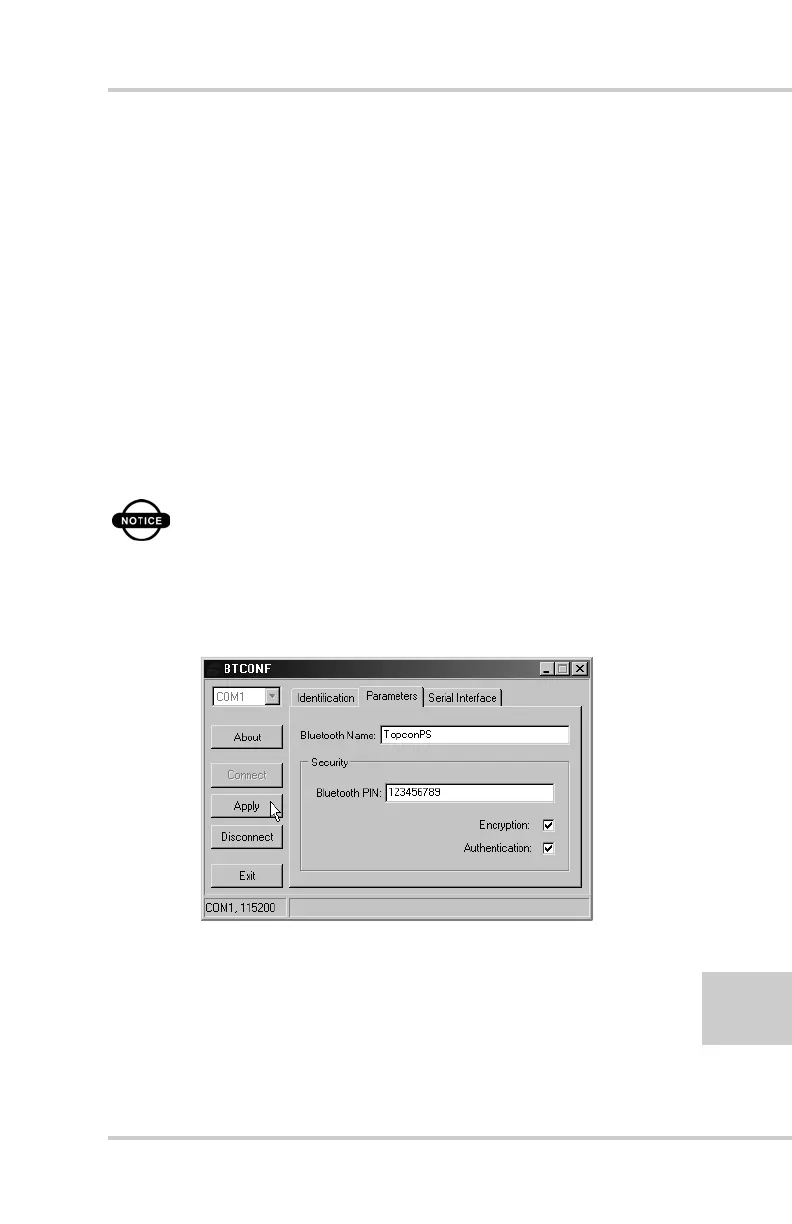
8. To set security parameters (Figure 2-44), enter and enable the
following, then click Apply:
• Bluetooth PIN – enter up to 16 characters to specify a
personal identification number for the Bluetooth module.
• Encryption – enable to have the Bluetooth module
encrypt wirelessly sent data. To read encrypted data, the
user must have the same PIN used in the device that sent
the data.
• Authentication – enable to require a PIN before two
Bluetooth enabled devices (such as, the receiver and a
computer) can establish a communication link. The two
devices must use the same PIN.
NOTICE
If you do not need security settings, leave
these parameters disabled.
Figure 2-44. BTCONF Security Parameters



 To Next Page