Radio Configuration
1-866-4TOPCON www.topconpositioning.com
2-31
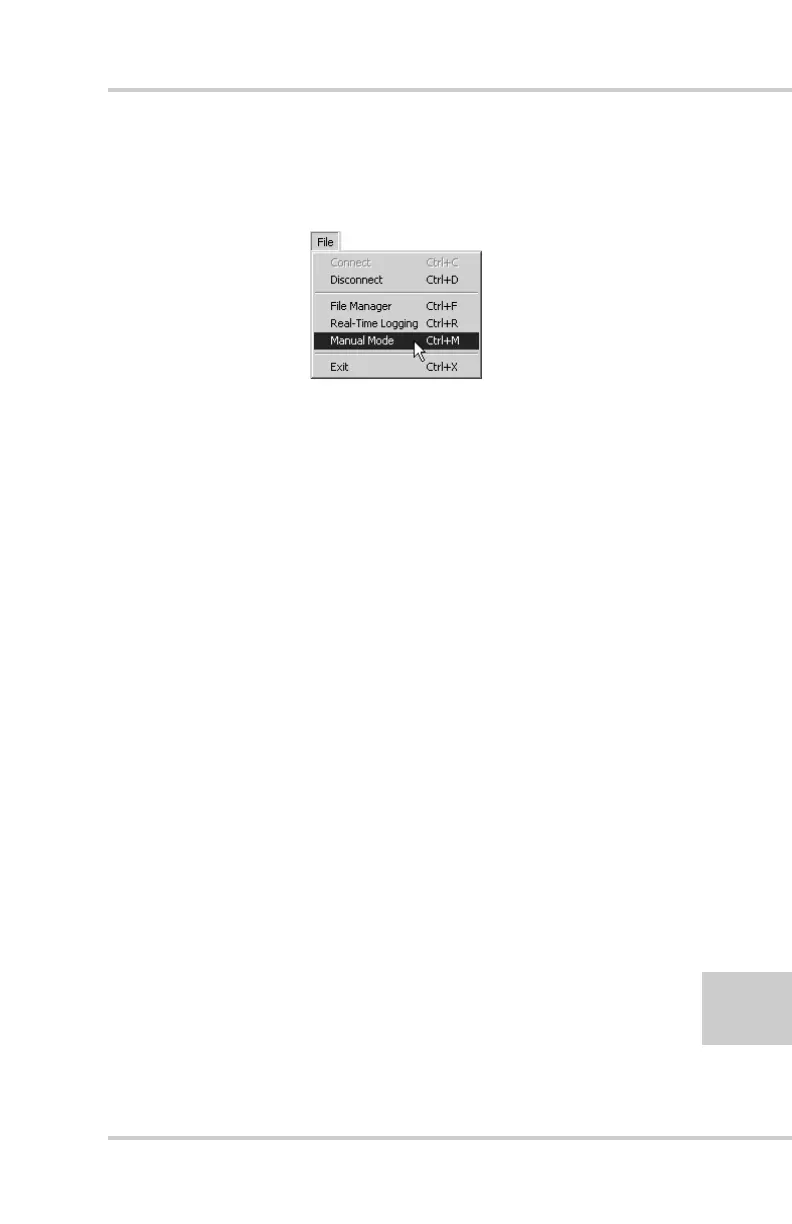
2. Once connected, click on File->Manual Mode to create
a daisy chain between the receiver’s port (A or D) and the
HiPer+ PDL modem (Figure 2-24).
Figure 2-24. File->Manual Mode
3. Type each of the following commands, pressing Enter
(or clicking Send command) after each command.
%%set,dev/ser/c/rate,38400
%%set,dev/ser/c/echo,/cur/term
%%set,dev/ser/c/imode,echo
%%set,cur/term/eoff,QUIT
%%set,cur/term/echo,/dev/null
%%set,cur/term/imode,echo
%%set,cur/term/echo,/dev/ser/c
The Manual Mode screen displays RE002%% in
response to each of these commands. When finished, you
should have seven responses (Figure 2-25 on page 2-32).



 To Next Page