Surveying with the HiPer+
1-866-4TOPCON www.topconpositioning.com
3-7
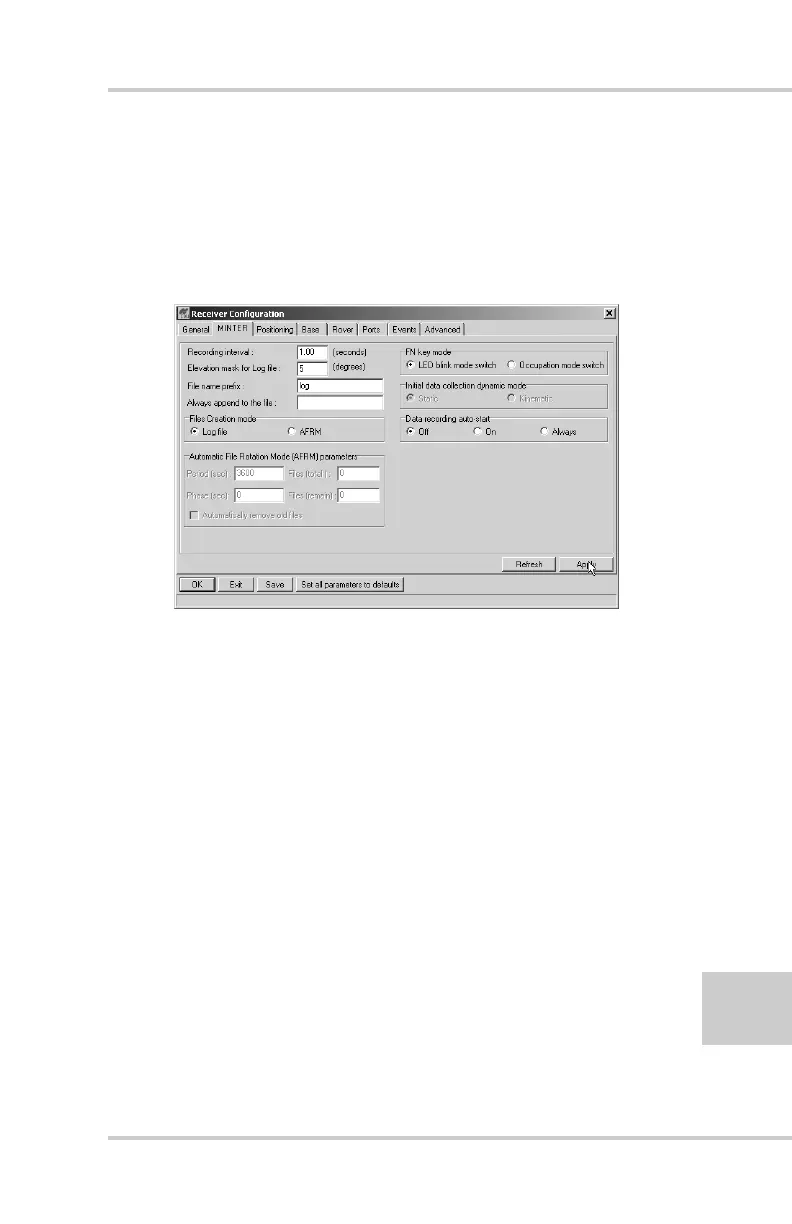
• Elevation Mask Angle – 15 degrees
• File Name Prefix – last 3 digits of receiver serial
number
• LED blink mode switch – enable to start and stop
static data recording using the FN key
Figure 3-2. Configuration->Receiver->MINTER
3. Click the Advanced tab and then the Multipath tab, set
the following parameters, then click Apply (Figure 3-3
on page 3-8):
• Code Multipath Reduction – enable
• Carrier Multipath Reduction – enable



 To Next Page