Setup and Survey
Topcon HiPer+ Operator’s Manual
3-18
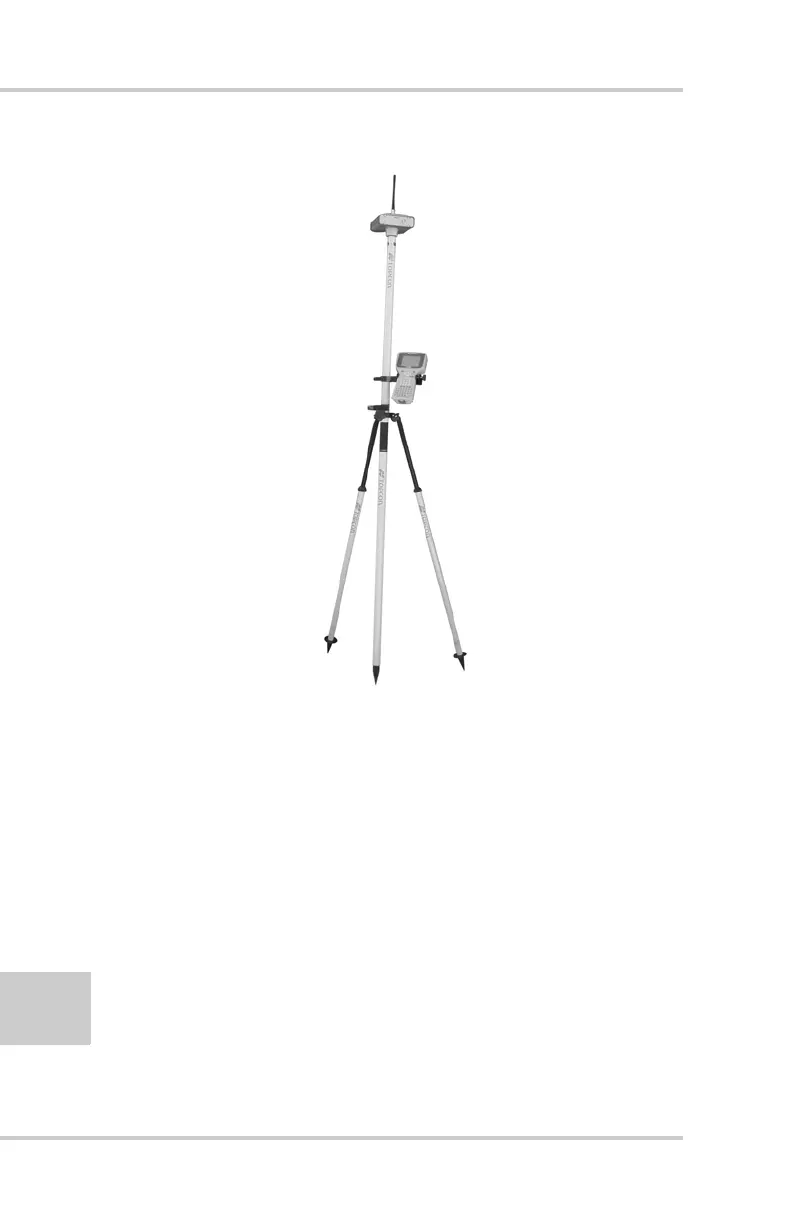
Figure 3-11. HiPer+ Rover Station Setup
1. Set up the Rover station receiver’s antenna as
described in “HiPer+ Receiver Setup” on page 3-1.
2. Connect your receiver and computer. See
“Connecting the HiPer+ and a Computer”on
page 2-5 for this procedure.
3. Click Configuration->Receiver.
4. Select the Positioning tab and set the Position
Masks, Elevation mask (degrees) parameter to 15
(Figure 3-8 on page 3-14).



 To Next Page