Configuration
Topcon HiPer+ Operator’s Manual
2-38
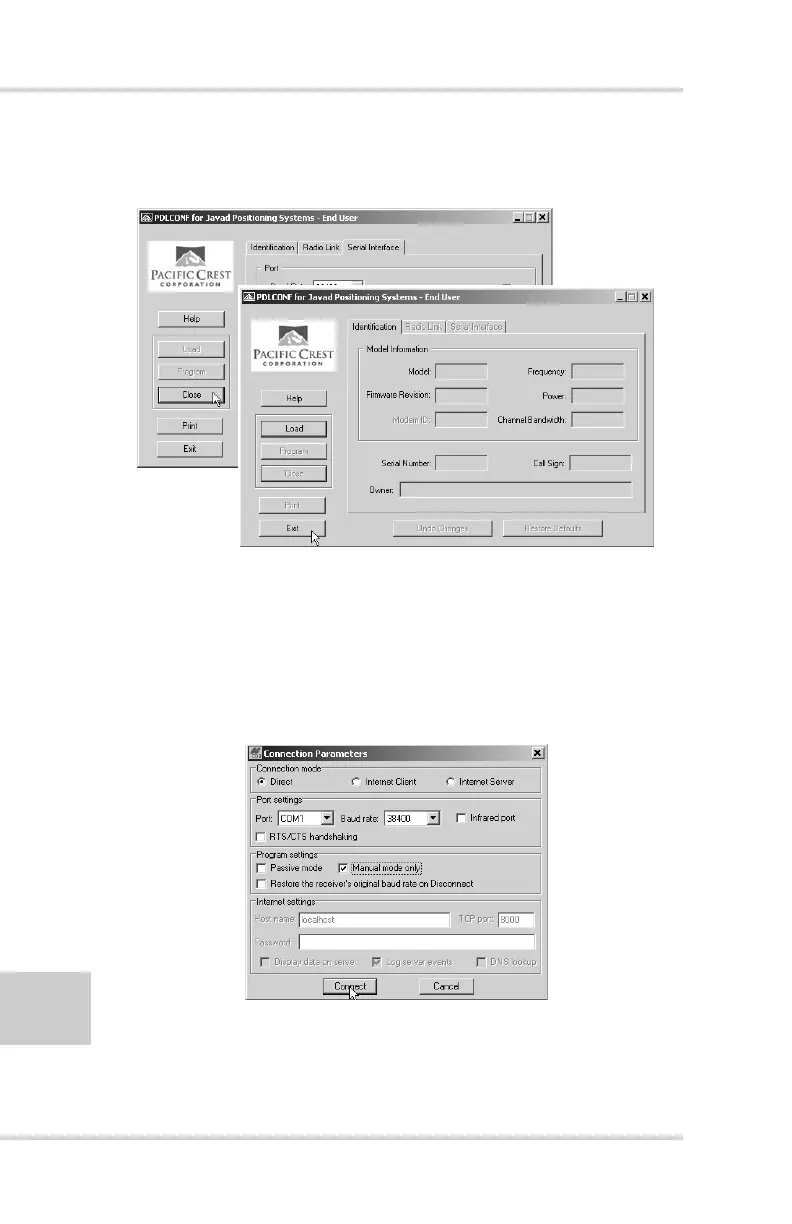
13. Click Close and then Exit to quit the program
(Figure 2-34).
Figure 2-34. Click Close then Exit
14. Open PC-CDU.
15. Click File->Connect.
16. On the Connection Parameters screen, select a baud rate
of 38400 and enable the Manual mode only check box
(Figure 2-35), then click Connect.
Figure 2-35. Connection Parameters – Manual Mode Only



 To Next Page