Loading an OAF
1-866-4TOPCON www.topconpositioning.com
4-17
Loading an OAF
Topcon Positioning System dealers provide customers with OAF
files. For any OAF related questions, E-mail TPS at
options@topconps.com. Please have your receiver ID number
available (see “Checking Firmware Version” on page 4-21).
1. To load a new OAF, follow steps one and two in “Checking
an OAF” on page 4-14.
2. Click Load at the bottom of the Option Manager screen (see
Figure 4-13 on page 4-16).
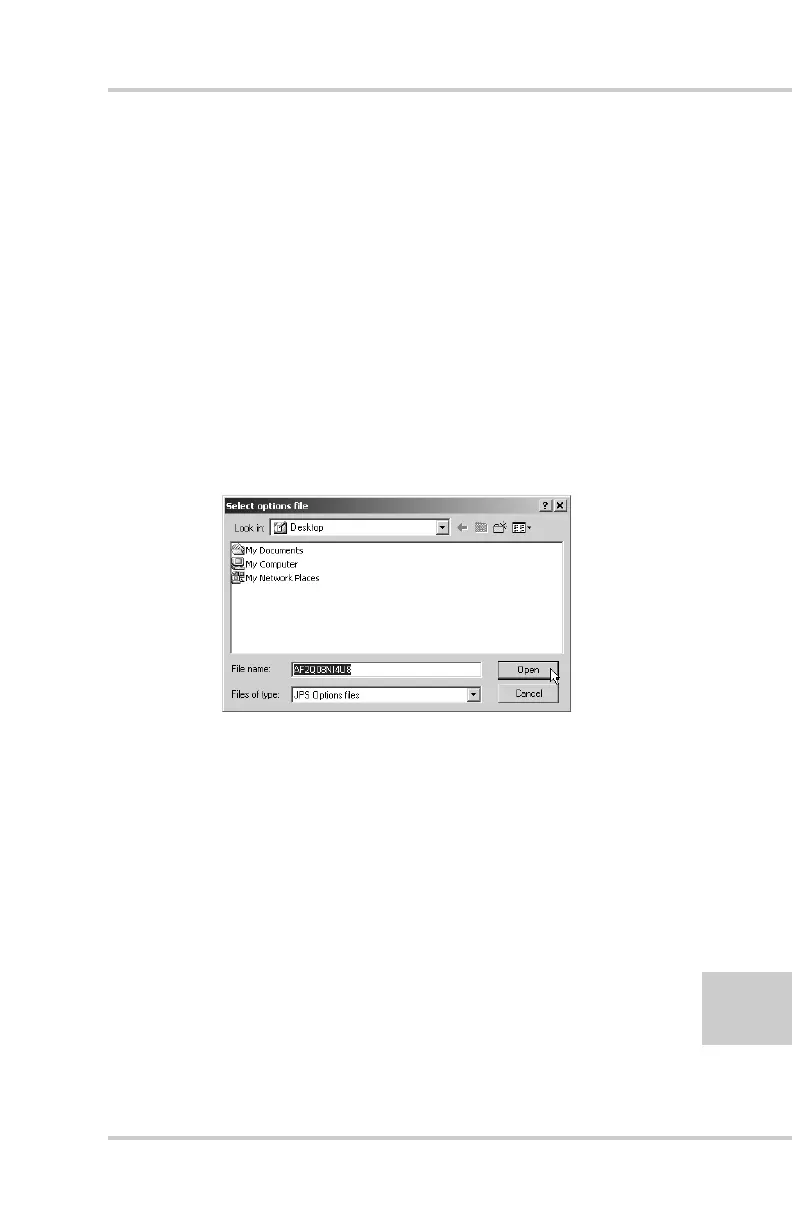
3. Navigate to the location of the new Option Authorized File.
OAFs have .jpo or .tpo extensions and are unique to each
receiver (Figure 4-14).
Figure 4-14. Load OAF
4. Select the appropriate file and click Open
(Figure 4-14). The new receiver option loads onto the
receiver and the Option Manager table updates.
5. When finished, click Exit on the Option Manager screen,
then click File->Disconnect to prevent conflicts with serial
port management.



 To Next Page