Radio Configuration
1-866-4TOPCON www.topconpositioning.com
2-41
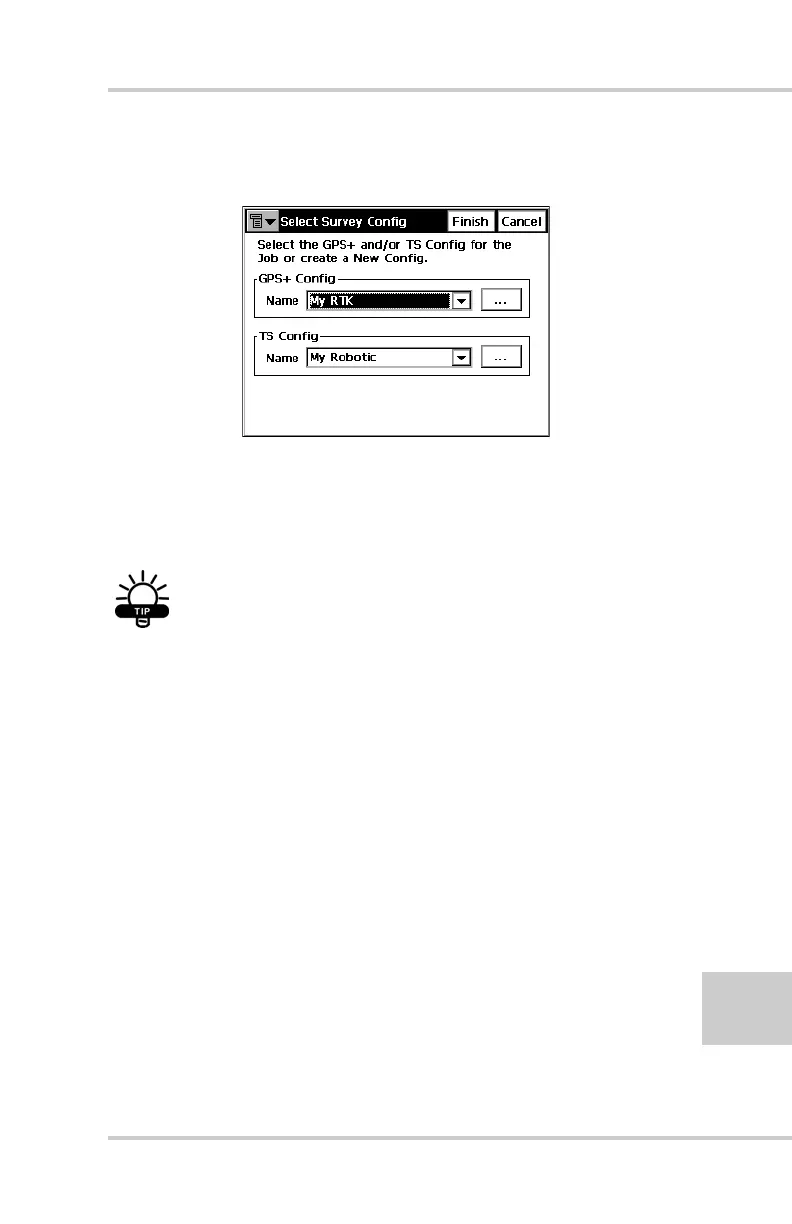
3. Click Job->Config->Survey to open the Select Survey
Config dialog box (Figure 2-37).
Figure 2-37. Select a Survey Configuration
4. From the GPS+ Config drop-down list, select My RTK,
or the name of your GPS+ survey configuration, and
click the “...” (continue) button (Figure 2-37).
TIP
If this is a new configuration, refer to the
TopSURV User’s Manual for the procedure to
configure a new survey. Otherwise, continue
below to configure your radio.
5. Press Next to navigate to the Base or Rover Radio
configuration screen, usually a couple dialog boxes
beyond the Select Survey Config dialog box.



 To Next Page