Configuration
Topcon HiPer+ Operator’s Manual
2-24
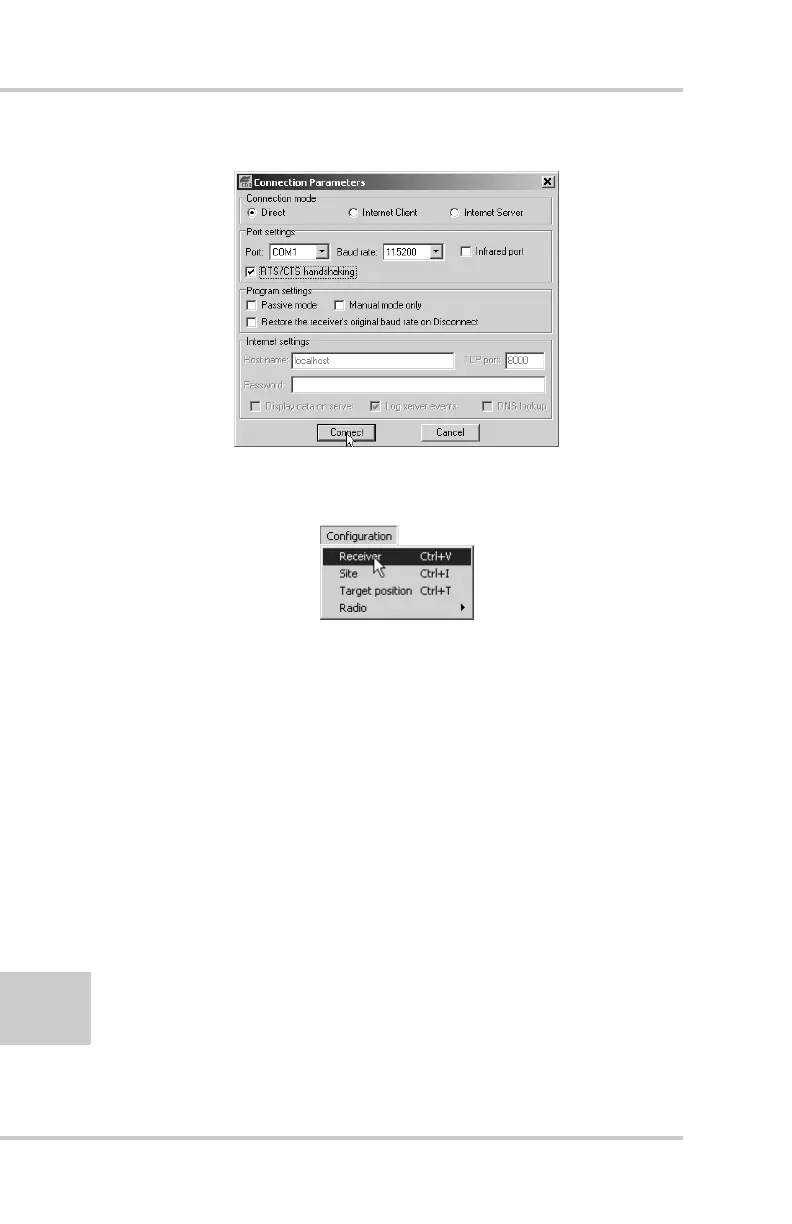
Figure 2-21. Connection Parameters – MINTER Settings
2. Click Configuration->Receiver (Figure 2-22).
Figure 2-22. Configuration->Receiver
3. Click the MINTER tab, set the following parameters and
click Apply (Figure 2-23 on page 2-25). See the following
pages for descriptions of these parameters.
• Recording interval on page 2-25
• Elevation mask for log file on page 2-25
• File name prefix on page 2-25
• Always append to the file on page 2-26
• Files Creation mode on page 2-26
• Automatic File Rotation Mode (AFRM) on page 2-26
• FN key mode on page 2-28
• Initial data collection dynamic mode on page 2-28
• Data recording auto-start on page 2-28



 To Next Page