Radio Configuration
1-866-4TOPCON www.topconpositioning.com
2-39
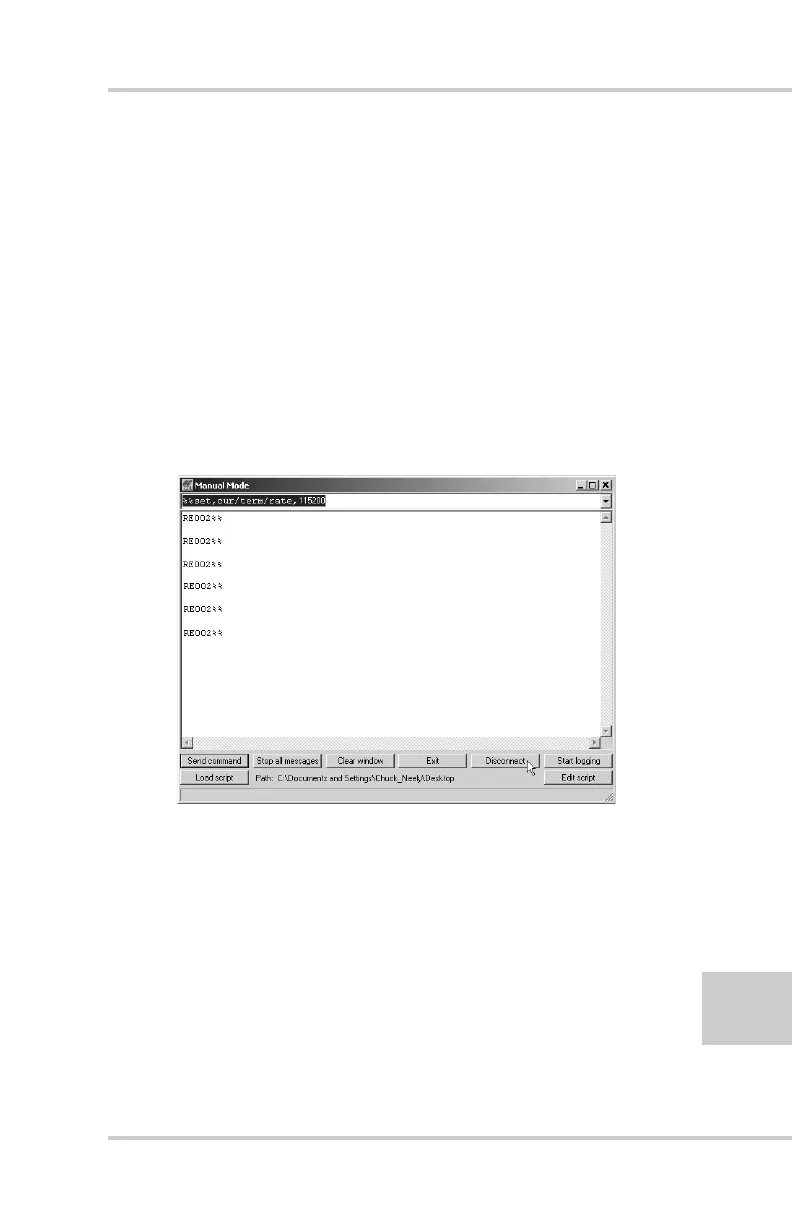
17. On the Manual Mode screen, write the following
commands, pressing Enter (or clicking Send command)
after each command. When finished, you should have six
responses (Figure 2-36).
QUIT
%%set,cur/term/imode,cmd
%%set,dev/ser/c/echo,/dev/null
%%set,dev/ser/c/imode,cmd
%%set,dev/ser/c/rate,38400
%%set,cur/term/rate,115200
Figure 2-36. Manual Mode Command Responses
18. Click Disconnect (Figure 2-36). Continue with other
configuration or operation functions as needed.



 To Next Page