Downloading Files to a Computer
1-866-4TOPCON www.topconpositioning.com
4-11
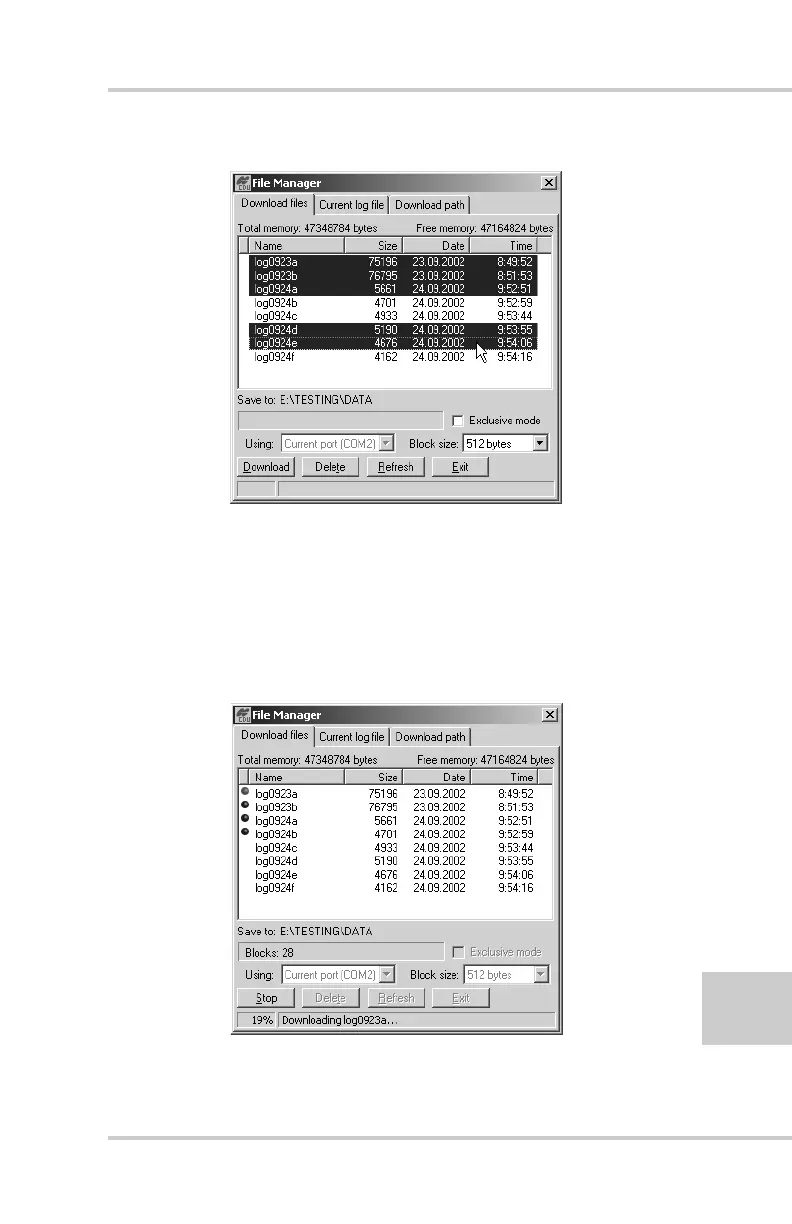
Figure 4-5. Download Files
7. Click the Download button. During the download, status
indicators display next to each file (Figure 4-6).
• Blue indicator – file in queue for downloading.
• Red indicator – file currently downloading.
• Green indicator – file has successfully downloaded.
Figure 4-6. Download Files – Status Indicators



 To Next Page