HiPer+ Configuration
1-866-4TOPCON www.topconpositioning.com
2-15
NOTICE
Disconnecting the receiver from the computer
before exiting will eliminate any possible
conflict in the management of your serial ports.
Once the receiver is configured, the configuration will remain
until you change it either using PC-CDU or clearing the
NVRAM.
Power Management
You can use Topcon’s PC-CDU software to manage your
receiver’s power. The complete description of PC-CDU
exceeds the scope of this manual, but can be found in the
PC-CDU User’s Manual. The latest copy of this software
and the manual can be downloaded from the TPS website.
To access the tab controlling the power settings of your
receiver, take the following steps:
1. Connect your receiver and computer. See “Connecting
the HiPer+ and a Computer” on page 2-5 for this
procedure.
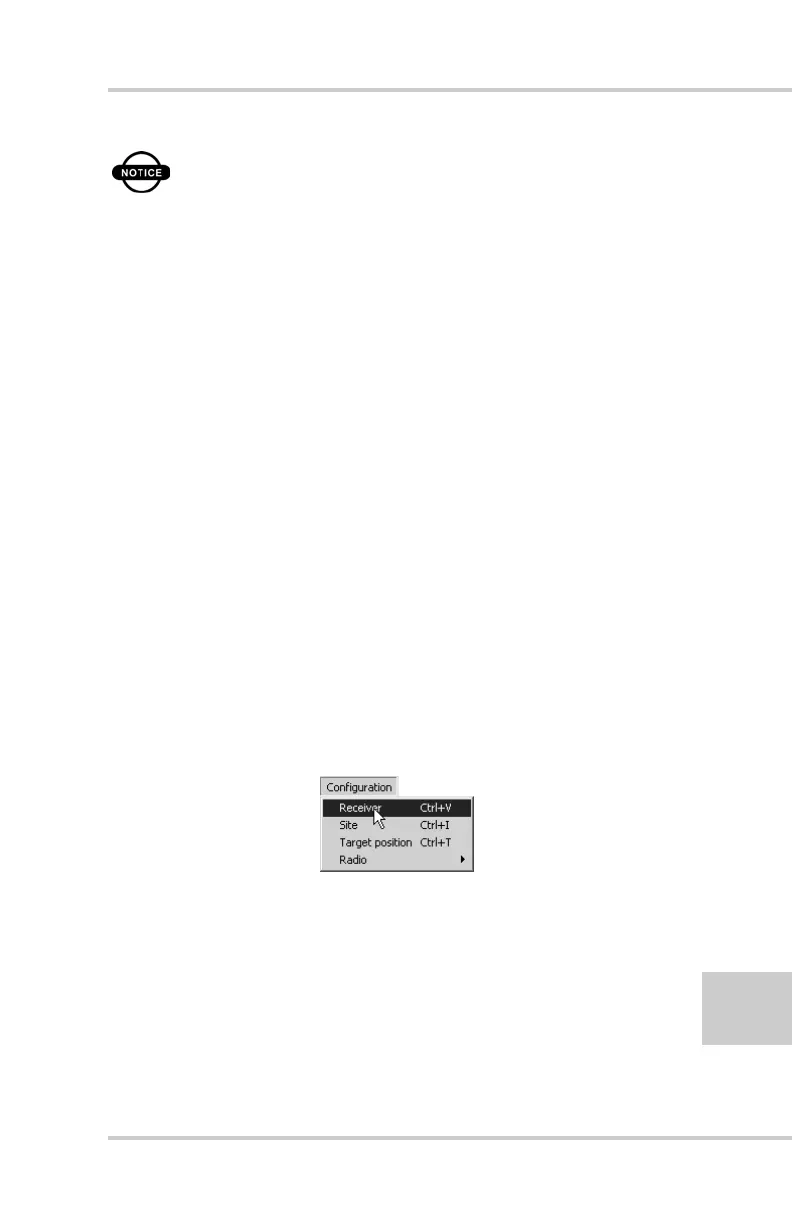
2. Once connected, click Configuration->Receiver
(Figure 2-13).
Figure 2-13. Configuration->Receiver



 To Next Page