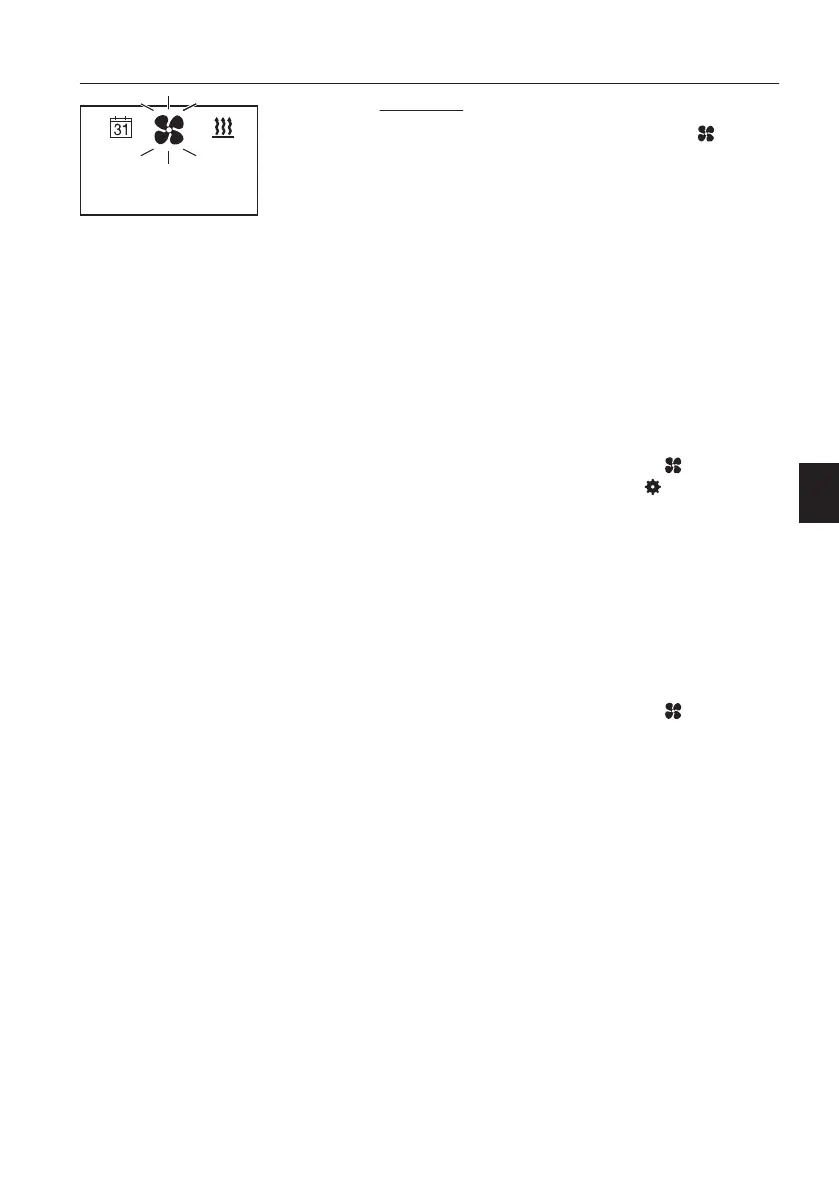
Ventilation
In the Start mask, a flashing fan symbol in the
menu bar and the current temperature and status
of the heater are displayed.
- Press the operating button.
- Select the operating time by turning the operating
button and confirm, or confirm the displayed
operating time.
– Ventilation mode starts with the set operating
time. The LED ring lights up blue and the residual
ventilation mode time is displayed.
- Ventilation mode ends at the end of the set
operating time.
Changing the operating time during ventilation
mode:
- Press the operating button.
- Select and confirm flashing menu
.
- Select and confirm the settings
by turning and
pressing the operating button.
- Set the desired operating time by turning and
press to confirm.
– Ventilation mode is continued with the set
operating time. The LED ring lights up blue, the
residual ventilation mode time and the current
temperature are displayed.
Ventilation OFF during ventilation mode:
- Press the operating button.
- Select and confirm flashing menu
.
- When OFF flashes on the display, press the
operating button again.
- Ventilation mode is terminated.
NOTE!
LONGPRESS terminates ventilation mode
immediately and the heater is also switched off.
Start mask, ventilation
Other controls
Operator comfort
153



 To Next Page