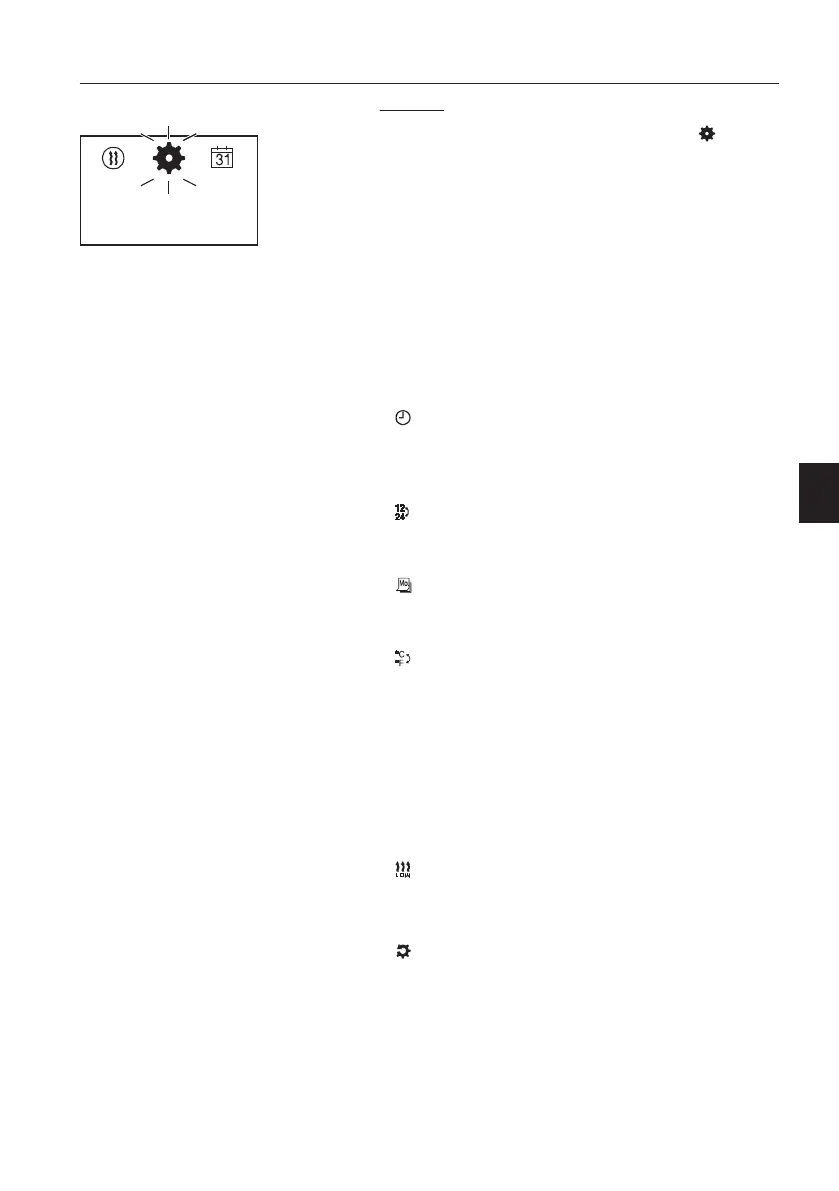
Settings
In the Start mask, a flashing gear wheel in the
menu bar and the set day of the week and the
current time are displayed.
Possible actions are:
- Standard settings for day of the week, time and
temperature format
- Heating at high altitudes: ON / OFF
- Low temperature during heating: ON / OFF
- Fault diagnosis: Display of error messages
- Reset user settings
Standard settings
Set time:
-
Select and confirm.
- Set the hours and confirm.
- Set the minutes and confirm.
Set time format:
-
Select and confirm.
- Select between 12 h and 24 h format and confirm.
Set weekday:
- Select and confirm.
- Set the day of the week and confirm.
Set temperature format:
-
Select and confirm.
- Select between degrees Celsius and degrees
Fahrenheit and confirm.
Low temperature heating mode
The low temperature heating mode is a comfort
function at higher outdoor temperatures.
The function modifies the control thresholds of the
heater in order to harmonize heating mode, e.g. in
the summer months.
-
Select and confirm.
- Select between ON and OFF and confirm.
Resetting the user settings
-
Select and confirm.
- YES resets the user settings in the timer and
deletes the programmed times, date and other
settings.
- NO retains the existing user settings in the timer.
Start mask, settings
Other controls
Operator comfort
155



 To Next Page