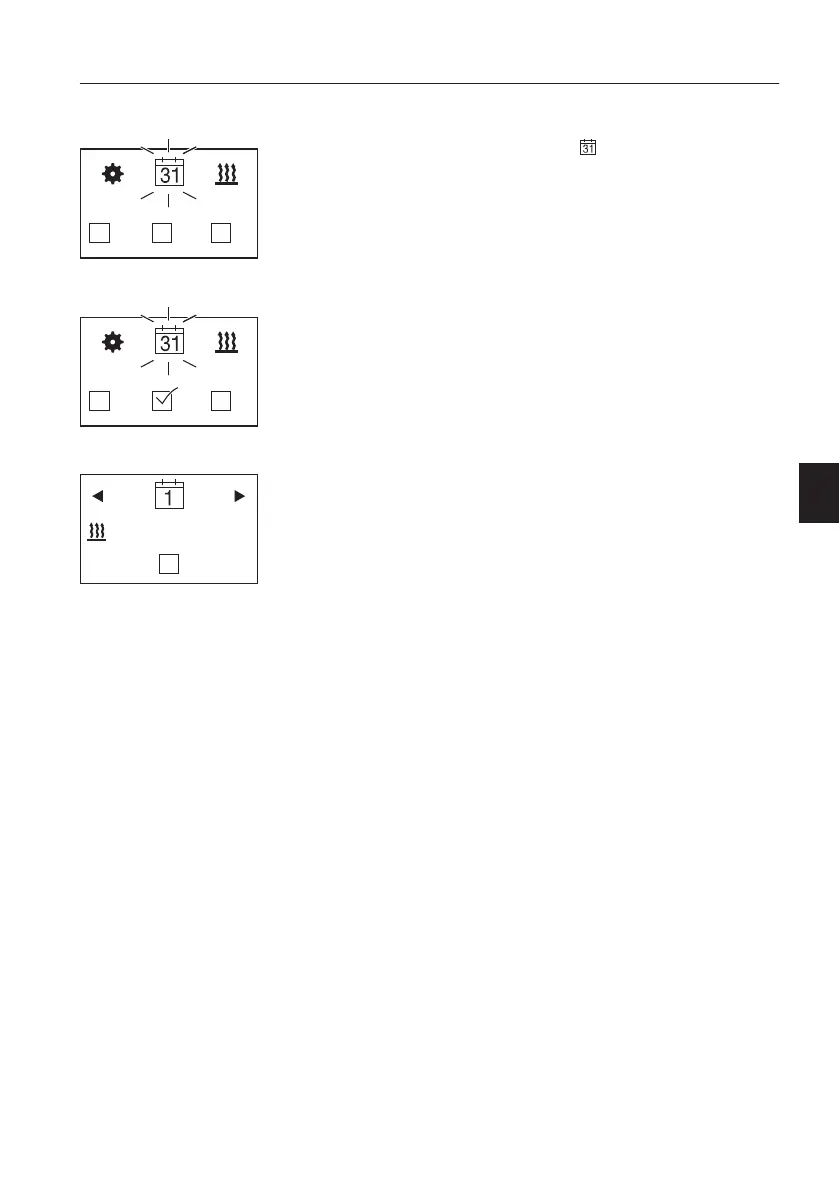
Programming the timer
- Display ON, the Start mask appears.
- Select in the menu bar
with the operating
button.
- Confirm timer selection by pressing the operating
button.
The first timer position T1 appears. Turn the
operating button to select the alternative timer
positions T2 or T3.
- The factory settings are:
– Heating mode
– Weekday range Monday – Friday
– Starting time: 7:00 h
– Operating time: 30 minutes
- Call up timer T1 by pressing the operating button.
You are now in configuration mode.
NOTE!
The heater is connected to the battery, the
operating time of the heater should not exceed the
following working time of the machine. This will
ensure that the battery is sufficiently charged.
Example:
Operating time of the heater: 25 minutes
Working time of the machine: minimum 25 minutes
Display if no timer is activated.
Display if a timer is activated, here T2.
T1 with factory settings
Other controls
Operator comfort
157



 To Next Page