6 Setup
There are sub-items, “X1 work tool”, “X3
Operation”, “Auto idle time”, “Anti-theft system”,
“Joystick shortkey”, “Language”, “Units”, “Time/
date”, “Display light”, and “Keypad backlight”.
X1 work tool
This is to preset the X1 setting so that operators
can use it simply by selecting the tool from the
list.
Enter password: Enter the password to
proceed with the setting for X1 tools. The
password screen is displayed whenever the
password is set using Volvo's service tool.
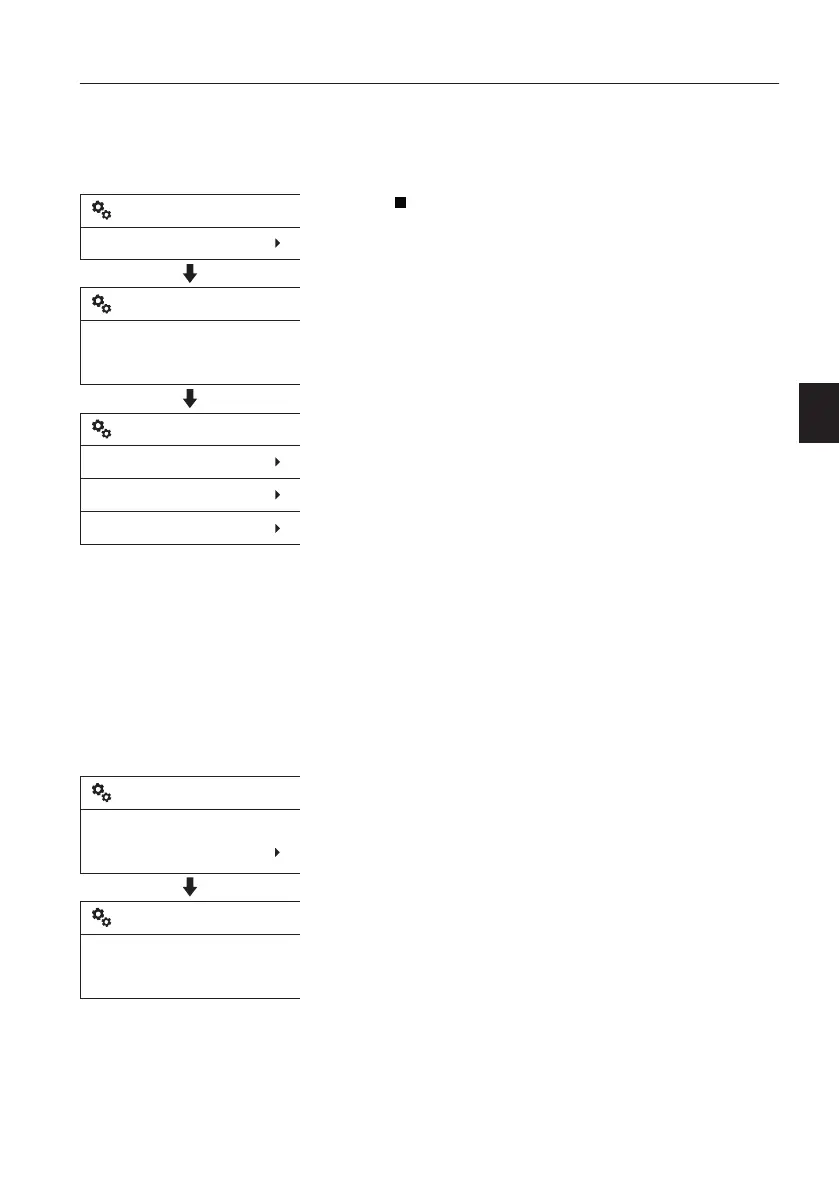
There are 3 sub-items which are,
- New
- Change
- Delete
Use the arrow buttons to place the cursor
(highlighting bar) on the required item, and
then press the SELECT button.
New
The New setting is used to add new X1 tools.
Follow the steps from 1 through 8, described
below, to set and "Save" the parameters for
the new attachment.
NOTE!
If the "Save" procedure described in 8 is not
performed, all settings are cancelled
automatically.
1 Select "New" after entering "X1 work tool".
2 Name: Enter the name of the tool.
- Use the arrow UP and arrow DOWN button
to select the characters (A,B...Z,0,1...9).
- Use the SELECT button to enter the
selected character.
- Press the SELECT button once again to
save the name.
- Use the ESC button to delete the entered
character.
V1137889
Enter password:
* * * *
Setup
X1 work tool
X1 work tool
X1 work tool
New
Change
Delete
V1137890
Name
New X1 work tool
Enter new name:
_
New X1 work tool
Instrument panels
Display unit
55



 To Next Page