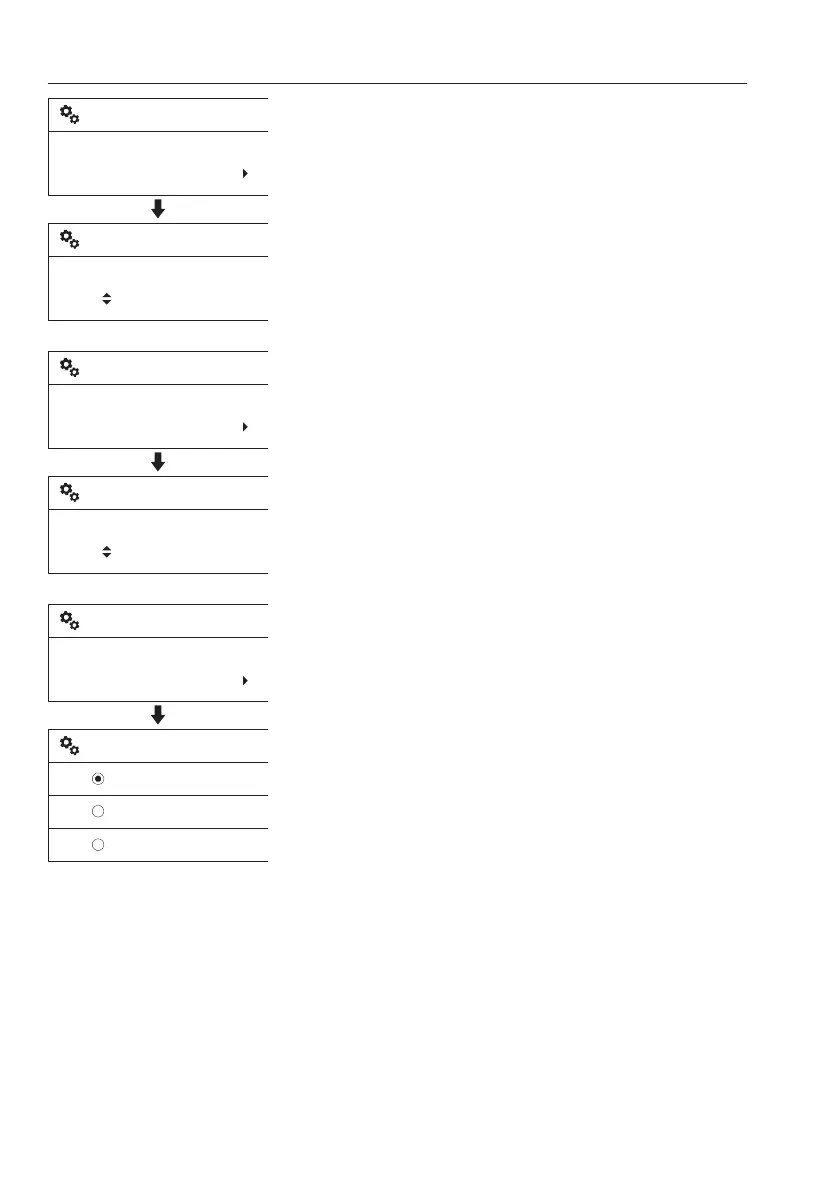
3 Flow: Set the flow rate when this optional
function is selected.
- Select the preferred flow rate value using the
arrow buttons.
- Save the selected value using the SELECT
button. Use the ESC button to cancel
without saving.
4 Pressure: Set the pressure when this
optional function is selected.
- Select the preferred pressure value using
the arrow buttons.
- Save the selected value using the SELECT
button. Use the ESC button to cancel
without saving.
5 Control: Choose the control type.
- Select the preferred control type using the
arrow buttons.
- Save the selected item using the SELECT
button. Use ESC button to cancel without
saving.
For information on control types, see page
78
.
- Push
- Toggle
- Proportional
V1137891
Set flow:
280 l
Flow
280 l
New X1 work tool
New X1 work tool
V1137892
Pressure
220 bar
New X1 work tool
Set pressure:
220 bar
New X1 work tool
V1137893
Push
Toggle
Proportional
Push
Control
New X1 work tool
New X1 work tool
56
Instrument panels
Display unit



 To Next Page