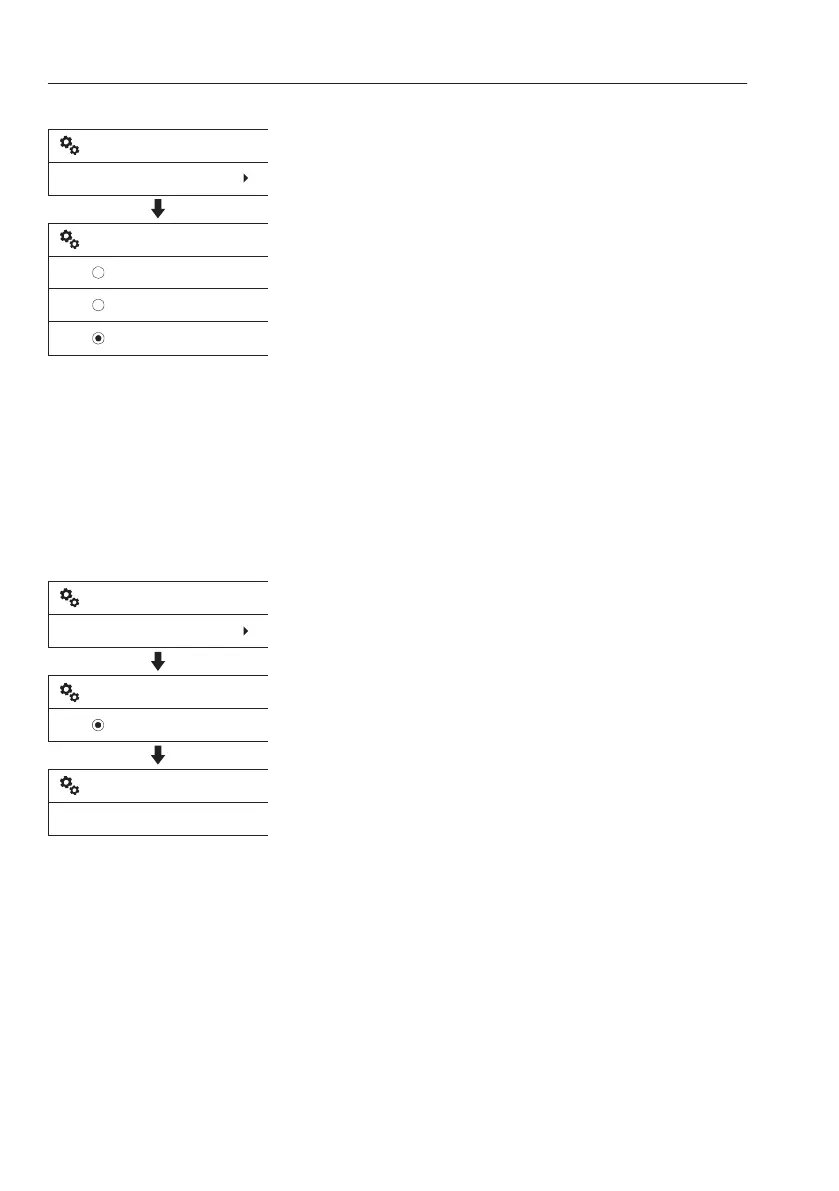
Change
This is to modify the setting of preset X1 tools.
1 Select "Change" after entering "X1 work
tool".
2 Select the tool to be modified using the
arrow buttons and press the SELECT
button.
3 Follow the same procedures from 2 to 8
explained in "New" section described above
to change the setting.
4 There are some restrictions when modifying
the setting:
- The "Name" of two default X1 tools
"HAMMER" and "SHEAR" are not
modifiable.
- The "HAMMER" can not be "2-way".
5 The modified X1 tool is listed.
Delete
Use the arrow buttons to place the cursor
(highlighting bar) on the required item, and
then press the SELECT button.
To delete the preset "X1 work tool", proceed
as follows :
1 Select "Delete" after entering "X1 work tool".
2 Select the tool to delete using the arrow
buttons and press the SELECT button.
NOTE!
Current preset X1 tool and default tools are not
displayed.
3 Are you sure to delete?: Confirming
message is displayed on the screen, press
SELECT button to "Yes" or ESC button to
"Cancel".
V1137897
HAMMER
VOLVO
SHEAR
X1 work tool
Change
Change X1 work tool
V1140747
X1 work tool
Delete
VOLVO
Delete X1 work tool
Yes
Are you sure to delete?
58
Instrument panels
Display unit



 To Next Page