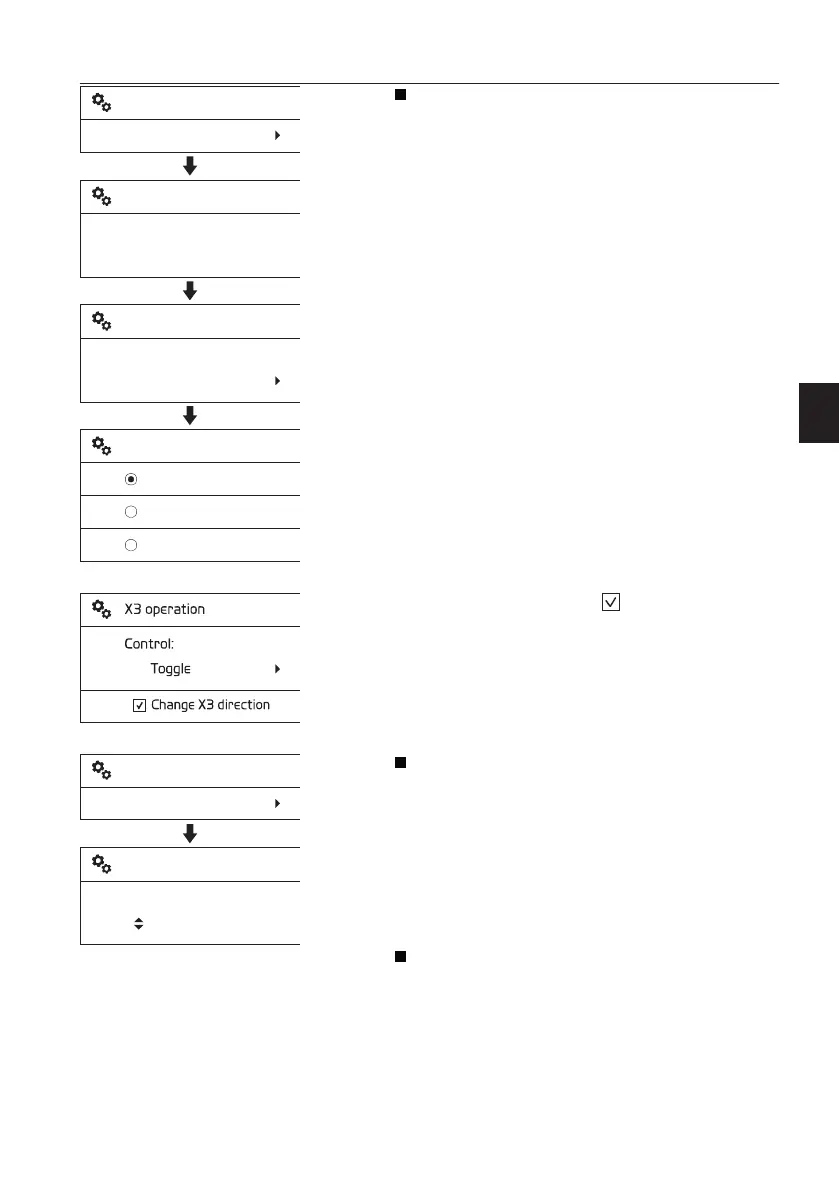
X3 Operation
Enter password: Enter the password to proceed
with the setting for X3 tools. The password
screen is displayed whenever the password is
set using Volvo's service tool.
Place the mark at the preferred item from the
three listed with the arrow button.
When the SELECT button is pressed, the
marked item is set. The screen reverts to the
former screen displaying the newly selected
item.
Refer to page
78
for more detailed
information on control types.
If select the check box
, X3 flow direction
(operating direction) will be changed.
Auto idle time
The basic concept of “Auto idle” is to reduce fuel
consumption. The engine rpm will be lowered
automatically to idle mode, if the Auto idle
button is ON and any of control levers (pedals)
or engine speed control switch are not operated
for a certain time.
The operator can set Auto idle time from 3
seconds to 20 seconds.
Anti-theft system: See page
69
for
information.
V1140748
Setup
X3 operation
Enter password:
* * * *
X3 operation
Control:
Push
X3 operation
X3 operation
Push
Toggle
Proportional
V1137900
Setup
Auto idle time
Set auto idle time:
5 s
Auto idle time
Instrument panels
Display unit
59



 To Next Page