display a symbol and to generate an alarm if the
"overload signal" is detected.
- First event of overloading: The pop-up message
will be displayed and a warning alarm sounds.
The warning indicator is also shown on indicator
screen. The pop-up message will disappear only
when the ESC button is pressed.
- When the event occurs again when operating the
machine: A warning alarm sounds and the
indicator is shown. When reducing the load, the
alarm and indicator will turn off.
5) Travel alarm stop button
Travel alarm stop button is used to activate or
deactivate "Travel alarm" function of the GPMECU1
(General Purpose Machine Electronic Control
Unit1). “Travel alarm” function is activated
whenever the ignition switch is on.
NOTE!
When starting the machine travel, the travel alarm
always sounds for 5 seconds even though the travel
alarm stop function is activated.
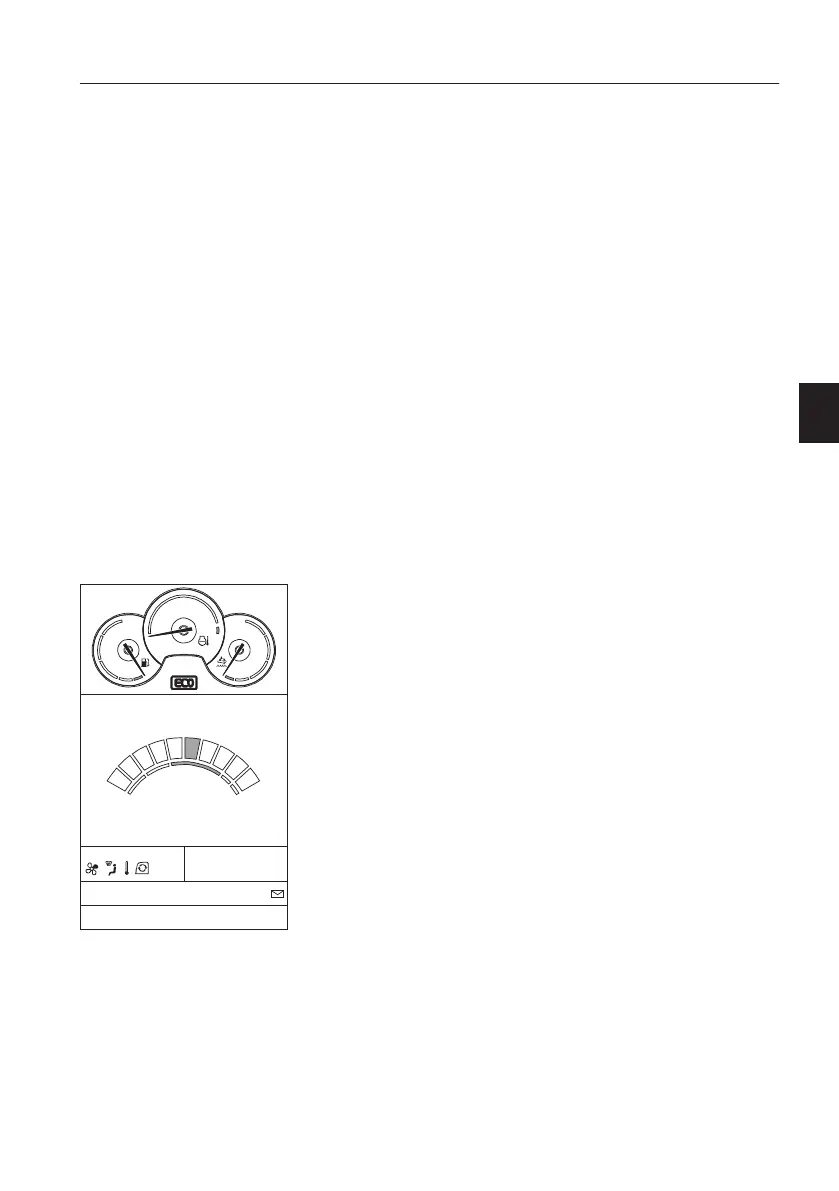
6) ECO button
ECO function is a mode for fuel economy when
working with the machine.
When pressing the ECO button on the keypad, then
pump control works for fuel economy. The button
will light up and also an ECO symbol is shown on
the IC (Instrument Cluster) when activated. Press
the button again to disable the function and the
button light and symbol on the IC will turn off.
NOTE!
When the ignition switch is on, ECO mode is always
activated automatically. (except North America
region)
NOTE!
This mode is only available for P-, H-, G1-, G2-, G3-,
and G4-mode of the engine speed/work mode
control switch.
AC
CLIMATE
FLOW
200 l
15:56
G
I
F
H
P
1600 rpm
FF
V1137848
Instrument panels
Instrument panel, right
85



 To Next Page