PROCEDURE
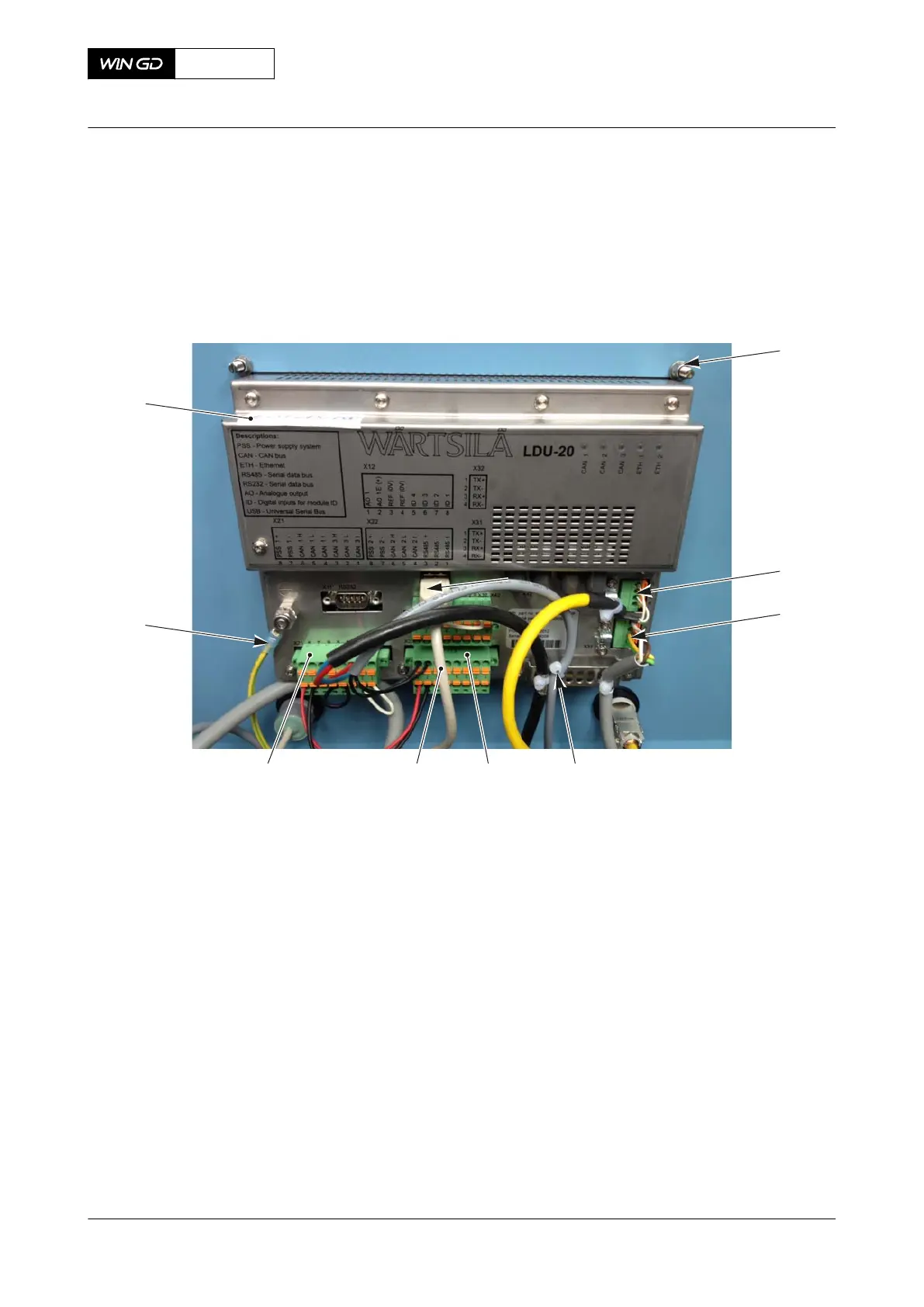
1 Disconnect the power supply to the defective CCM-20 on the related cylinder.
NOTE: WinGD recommends to make a software back-up from the LDU-20. This will
make sure that the correct configuration is loaded. For more data, speak to or
send a message to WinGD.
2 Remove the defective CCM-20.
3 Attach an UNSERVICEABLE label to the CCM-20.
CLOSE UP
• None
X62DF
AA00-9606-00ABA-520A-A
Maintenance Manual CCM-20 - remove
Winterthur Gas & Diesel Ltd.
- 809 - Issue 002 2020-10



 To Next Page