PROCEDURE
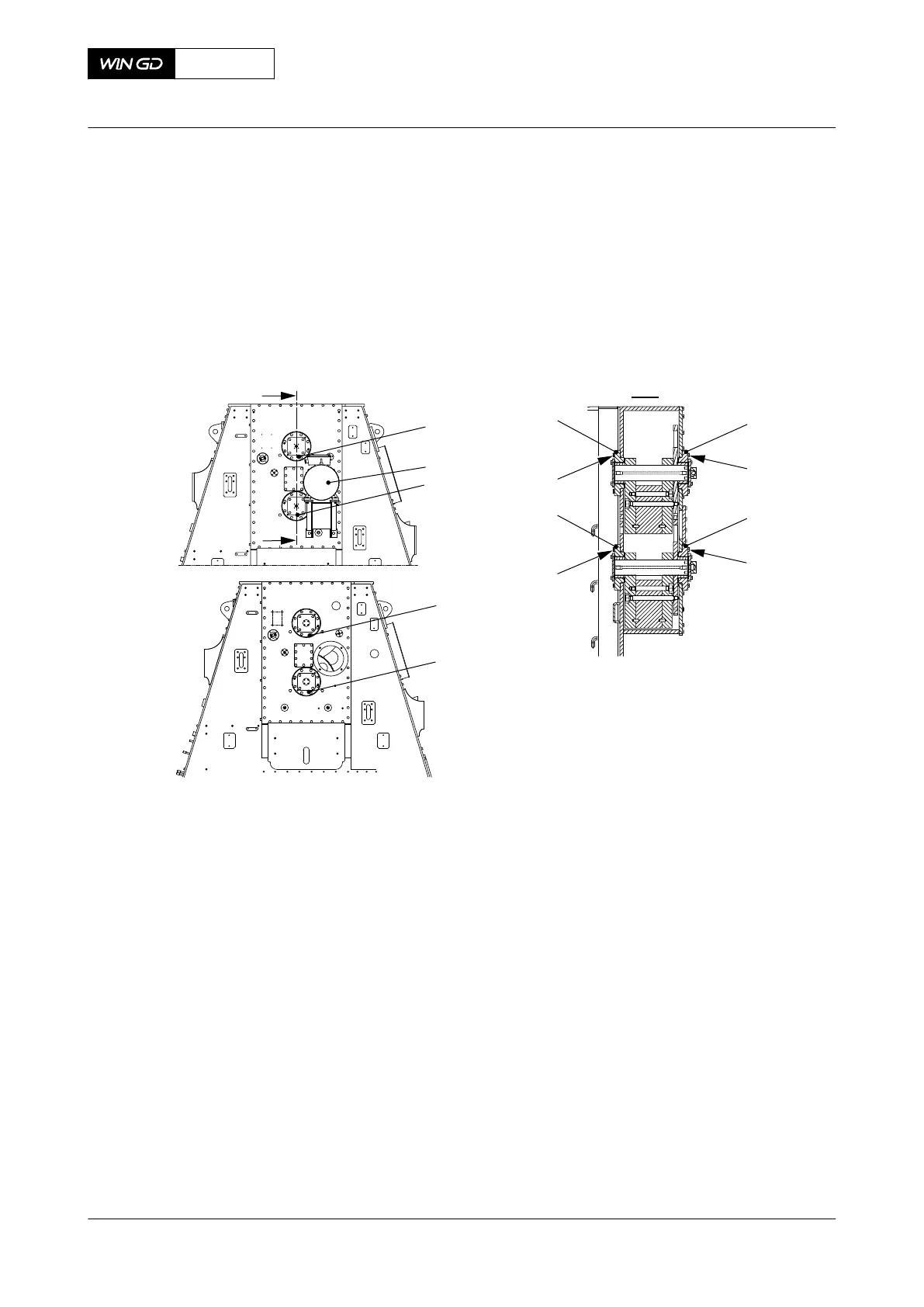
1 Disconnect the electrical connection from the applicable proximity sensor (002, Figure
12-16).
2 Loosen the lock-nut (003).
3 Remove the proximity sensor (002) from the sensor adapter (001).
Fig 12-16 Proximity sensor - remove
ZS5401C - DRVING END
00584
002
I
I
I - I
ZS5405C - FREE END
003
001
CLOSE UP
• None
X62DF
AA00-7762-00AAA-520A-A
Maintenance Manual Electric balancer sensor unit - remove the proximity sensor
Winterthur Gas & Diesel Ltd.
- 703 - Issue 002 2020-10



 To Next Page