Service Manual – Installation
SERVICE MANUAL • X-MIND prime 3D • (19) • 11/2019 • NXMPEN080A
7.
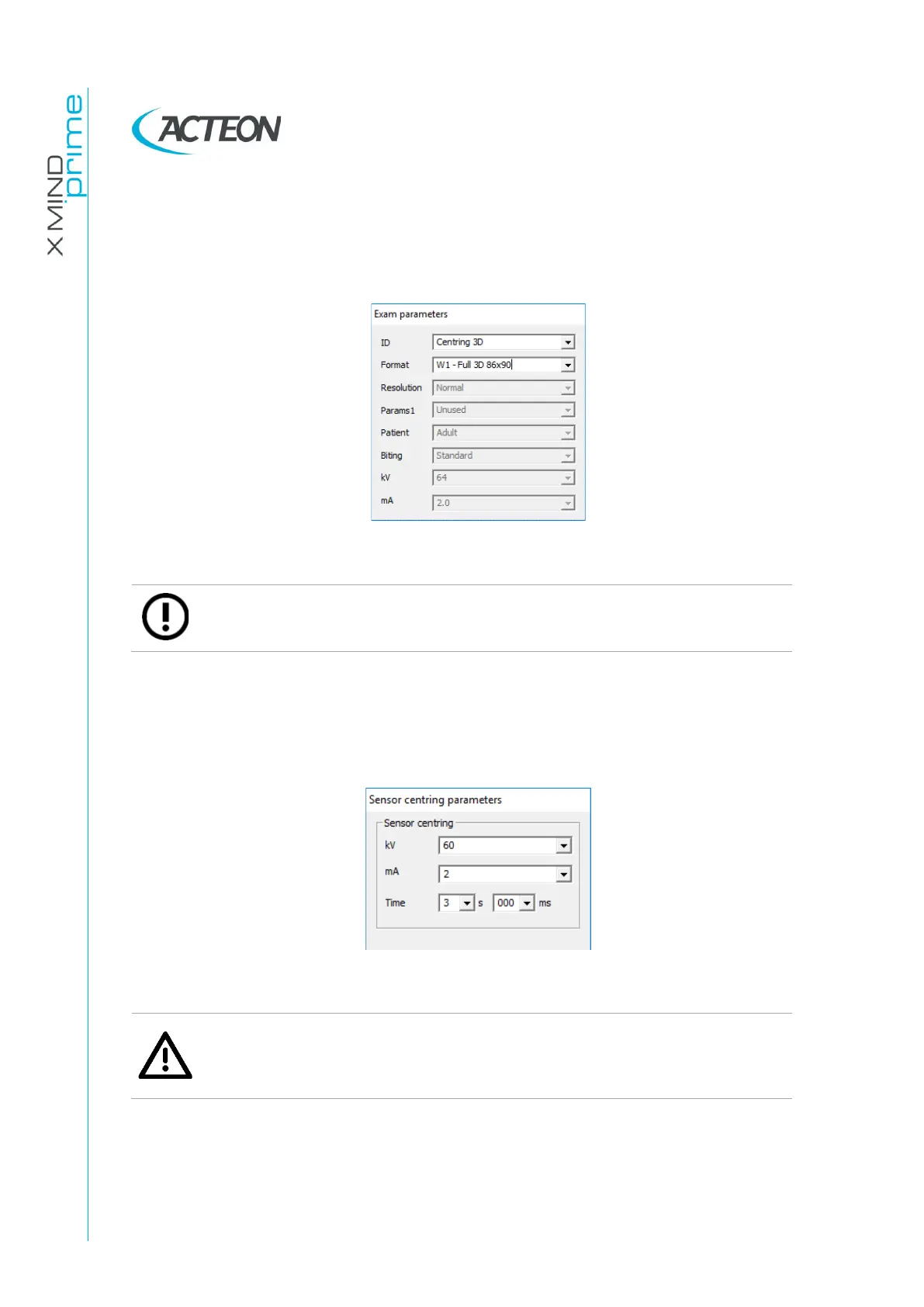
From the "Exam parameters" panel select the ID as "Centring 3D". Select format
as "W1 - Full 3D 86x90“.
Note
The "Centring 3D" choice allows you to carry out the dosimetry test without
the rotation of the tube-head arm.
8.
In the "Sensor centring parameters" panel set the following exposure
parameters: 60kV, 2mA, 3s.
Warning
The following operations involve the emission of X-rays, so the Authorized
Technician must pay the greatest attention and respect the protection
regulations in force in that country.
9.
Press the X-ray button to take an exposure and verify that the measured values
are in the acceptance limits listed in the Table at point 10.















 To Next Page