Service Manual – Periodic maintenance
SERVICE MANUAL • X-MIND prime 3D • (19) • 11/2019 • NXMPEN080A
Note
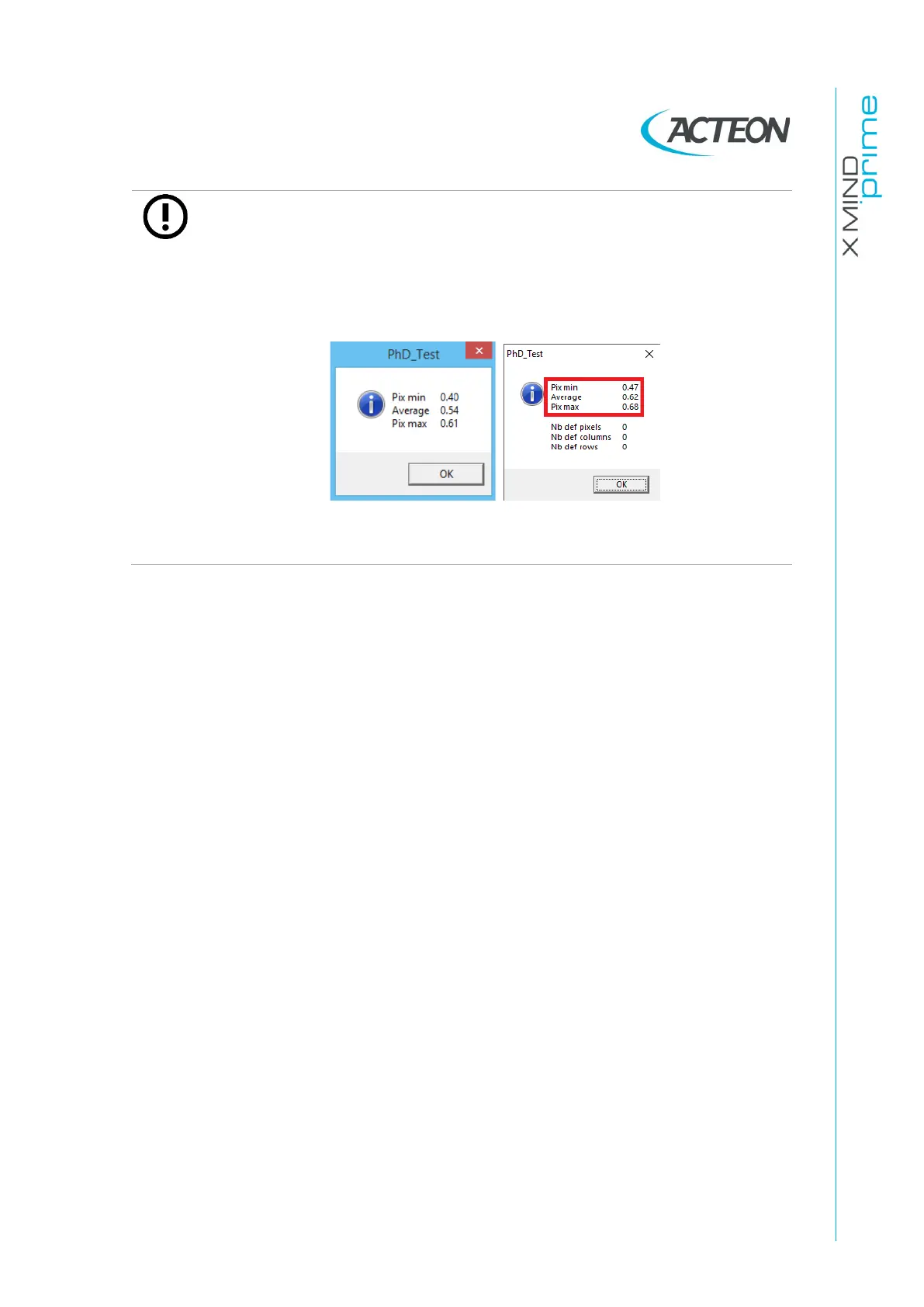
During the calibration, when one of the following windows is displayed,
verify that the values reported are within the tolerances:
-
Pix min: > 0.20
-
Pix max: < 0.90
and then press OK.
If they are not in the above limits, verify the copper filter positioning and
that no objects are present in the X-ray field; repeat the calibration.
10.
When the
Panoramic area calibration
is
completed
,
the message "Calibration
finished. Remove the 1.5 mm Cu filter " is displayed. This calibration will
generate the following files in the folder
C:\ProgramData\Acteon
Imaging\Panoramic X-MIND Prime Ceph
\Calibration:
-
[Sensor S/No]_2D_1x1.fmp
-
[Sensor S/No]_2D_1x1.msk
-
[Sensor S/No]_2D_1x1.Coll
-
[Sensor S/No].ini (if not present)















 To Next Page