15.
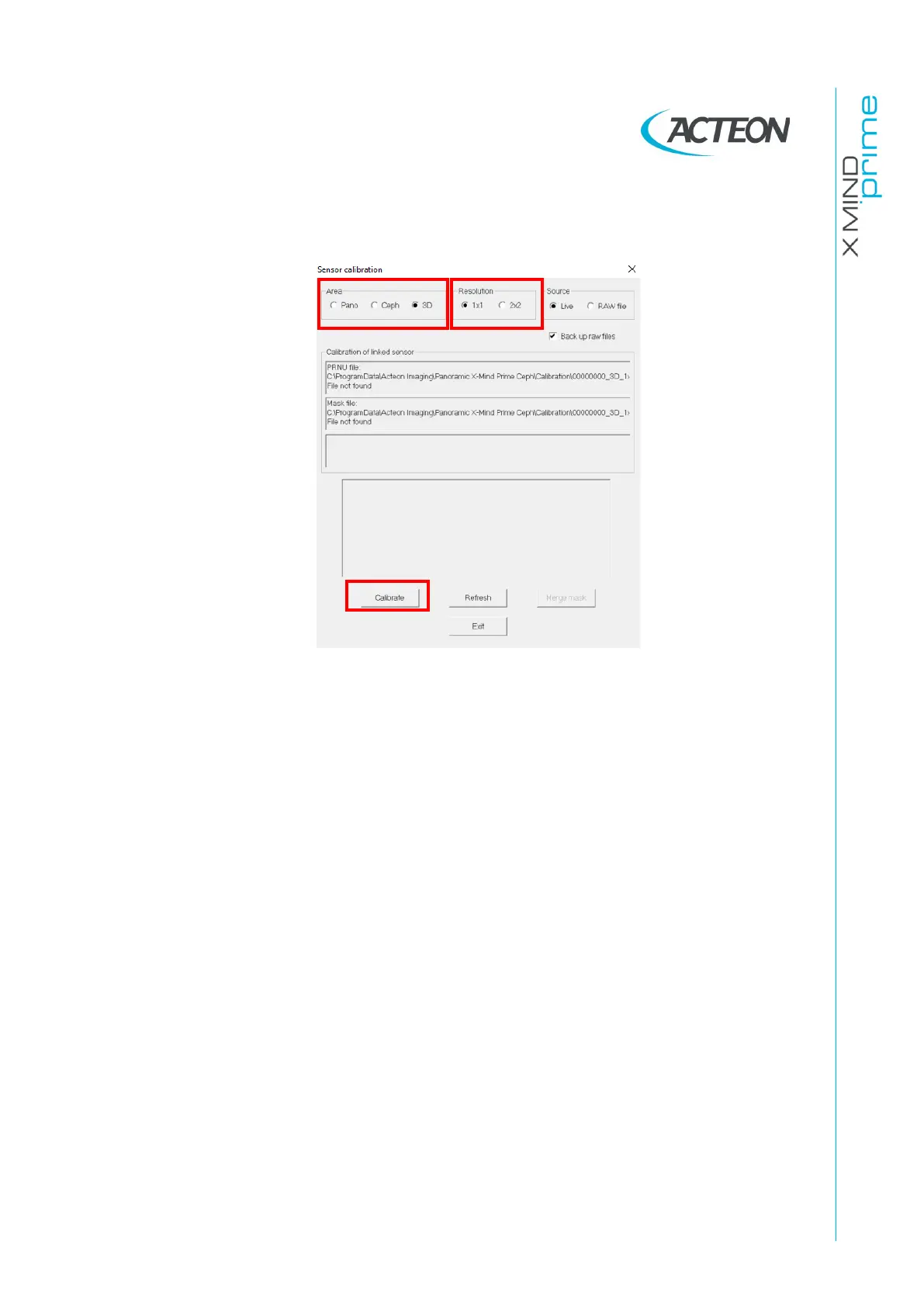
Don't remove the copper filter and Select "1x1" in the "Resolution" panel.
16.
Press the button “Calibrate”.
17.
Each time the calibration window displays the message “Waiting for an
acquisition” press the X-ray button until the end of the exposure.
18.
When the 3D 1x1 resolution area calibration is completed, the message
“Calibration finished” is displayed. This calibration will generate the following
files in the folder
C:\ProgramData\Acteon Imaging\Panoramic X-MIND Prime
Ceph
\Calibration:
-
[Sensor S/No]_3D_1x1.fmp
-
[Sensor S/No]_3D_1x1.msk
19.
Don't remove the copper filter, rotate the ceph head holder to antero posterior
position, fold up the nasion















 To Next Page