34.
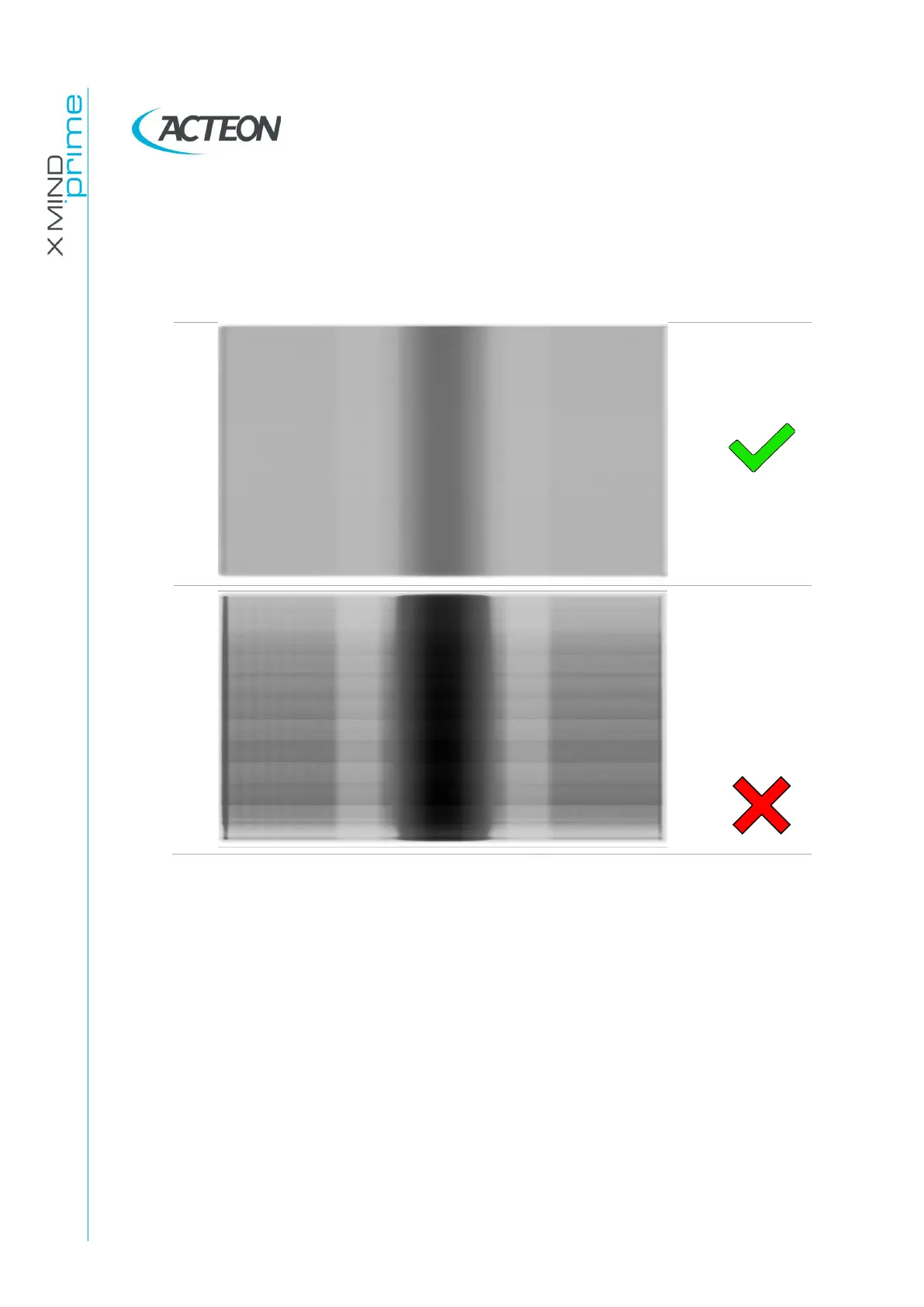
Open the "PhD_C_Test.exe" service program and make an exposure at 60kV
2.2mA without objects in the X-ray field.
35.
Verify that there are no defect lines or inhomogeneous bands on the
panoramic image:
36.
Select a ceph30x24LL, High resolution, position the ceph head holder in latero
lateral position, place the nasion in field and take an exposure at 60kV3.2mA
without objects in the X-ray field.
37.
Verify that there are no defect lines or inhomogeneous horizontal bands on
the image.
38.
Select a ceph30x24LL, Normal resolution, position the ceph head holder in
latero lateral position, place the nasion in field and take an exposure at
60kV3.2mA without objects in the X-ray field.
39.
Verify that there are no defect lines or inhomogeneous horizontal bands on
image.
40.
Open AIS software and open a test patient
41.
Perform the following 3D acquisitions at 60kV 2.2mA using the relevant chin
support:















 To Next Page