Service Manual – Corrective maintenance
SERVICE MANUAL • X-MIND prime 3D • (19) • 11/2019 • NXMPEN080A
11.2.1.4
3D Sensor logs
These logs record the events that occur in the communication between the PC
network interface, the 3D sensor drivers, the ASP and the 3D sensor.
Note
Before activating the 3D sensor logs, check that the network interface
board dedicated to the 3D sensor is configured properly (see paragraph
7.7.2).
1.
In the folder path
C:\ProgramData\Acteon Imaging\Panoramic X-MIND Prime Ceph
open the “PhD_C.ini” file with a text editor (e.g. Notepad).
2.
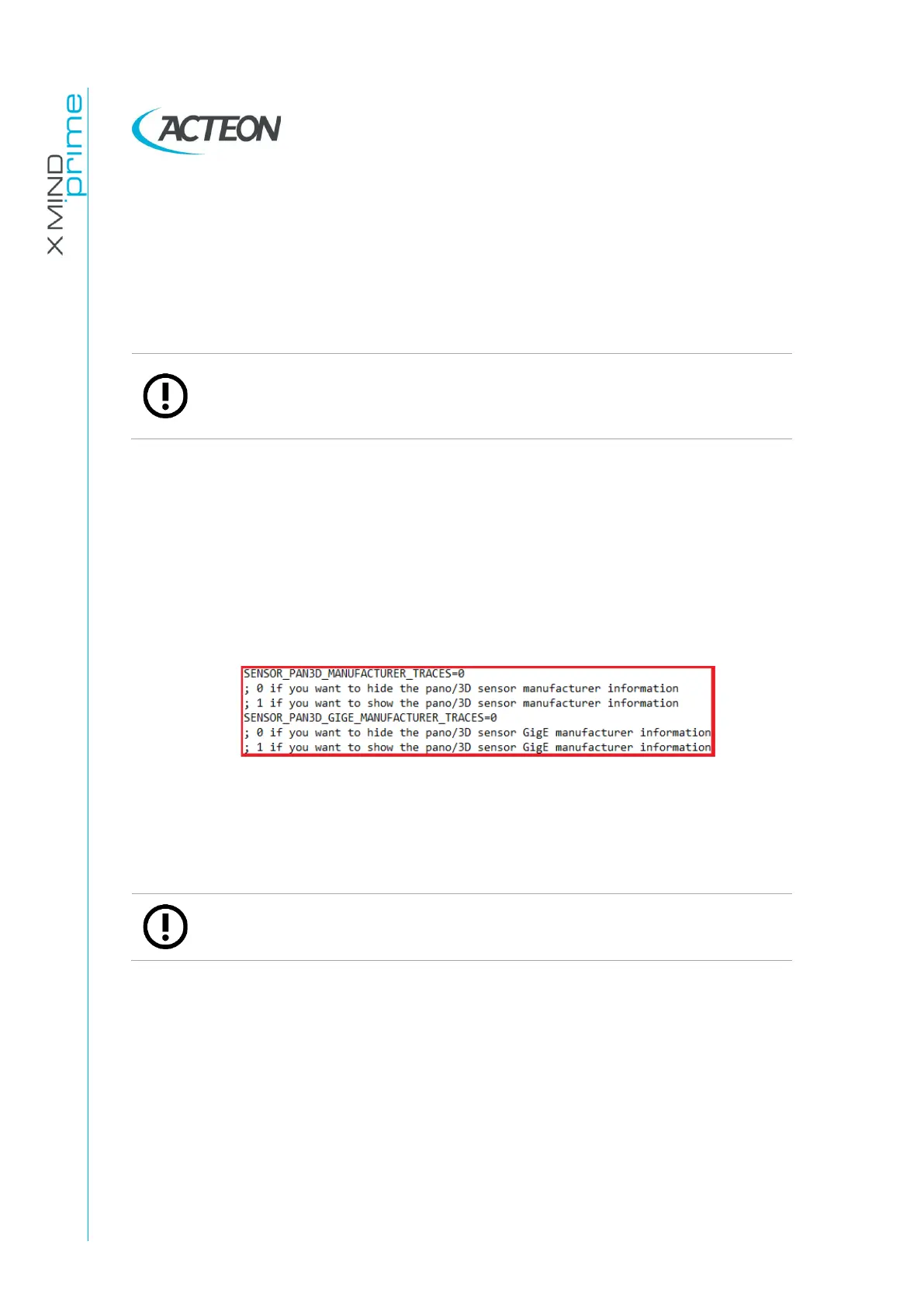
Activate the 3D sensor logs by setting the following variables to “1” (instead of
“0”):
-
SENSOR_PAN3D_MANUFACTURER_TRACES=1
-
SENSOR_PAN3D_GIGE_MANUFACTURER_TRACES=1
3.
Save and close the “PhD_C.ini” file.
4.
If possible, reproduce the error/problem to be logged, otherwise use the unit
normally.
Note
If the problem is not reproducible, it’s allowed to keep the log tracing active
during the normal functioning of the unit.
The log files are saved in the folder path C:\ProgramData\
Acteon
Imaging\
LogServer\Logs in two different subfolders:
-
“Logs_dcam”
→
dcam_yyyy.mm.dd-hh.mm.ss.log
-
“Logs_GigE”
→
GigE_yyyy.mm.dd-hh.mm.ss.log
(where yyyy=year, mm=month and dd=day, hh=hours, minutes, seconds).















 To Next Page