Service Manual – Corrective maintenance
SERVICE MANUAL • X-MIND prime 3D • (19) • 11/2019 • NXMPEN080A
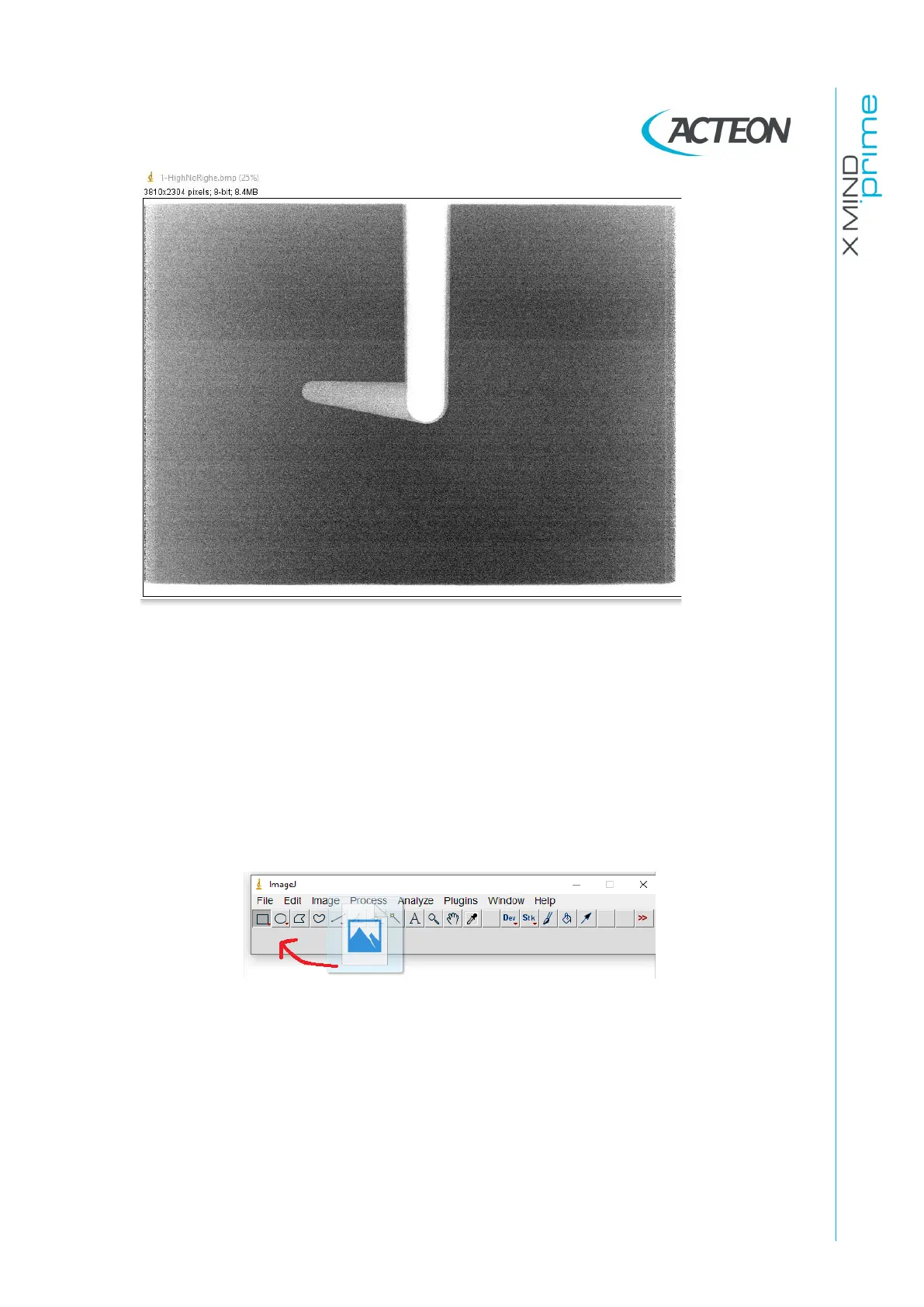
33. If in the acquisition are present vertical lines like the ones displayed in the above
images open the raw files in ImageJ as explained in the following points:
o Go to “C:\ProgramData\Acteon Imaging\Panoramic X-Mind Prime Ceph\
AcquisitionSave”.
o Select and open the folder of the last acquisition
eg. The folder named 2019-09-13 16h-56m-15s, is the folder of the
acquisition of the 13
th
September 2019 at 4:56pm and 15secods.
o Import (drag and drop) the “30.raw” file in the ImageJ bar.















 To Next Page