Service Manual – Corrective maintenance
SERVICE MANUAL • X-MIND prime 3D • (19) • 11/2019 • NXMPEN080A
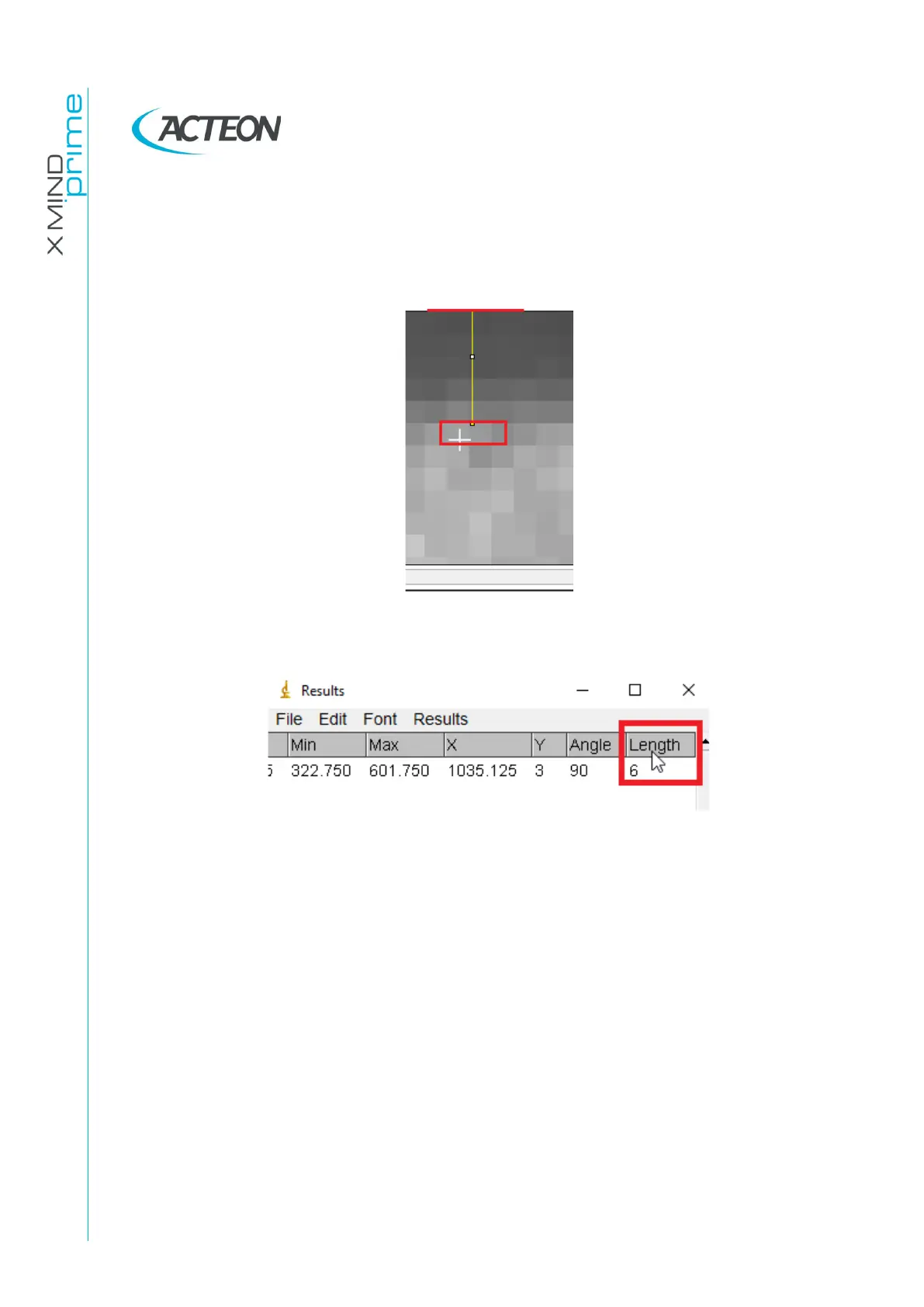
38. Draw a straight line (LEFT click and press SHIFT ⇧) between the first pixel well
irradiated area and the closer border (top or bottom border, depending on
shadow position) of the frame area
39. Verify the line length by pressing Ctrl+M on the keyboard. The length (expressed in
pixel) will be displayed in the ImageJ “Result” window under the column named
“Length”















 To Next Page