EasyManua.ls Logo

Acteon X-MIND prime 3D ceph - Page 86

Acteon X-MIND prime 3D ceph
376 pages
Print Icon
To Next Page IconTo Next Page
To Previous Page IconTo Previous Page
Loading...
Service Manual Installation
SERVICE MANUAL • X-MIND prime 3D • (19) • 11/2019 • NXMPEN080A
84
17.
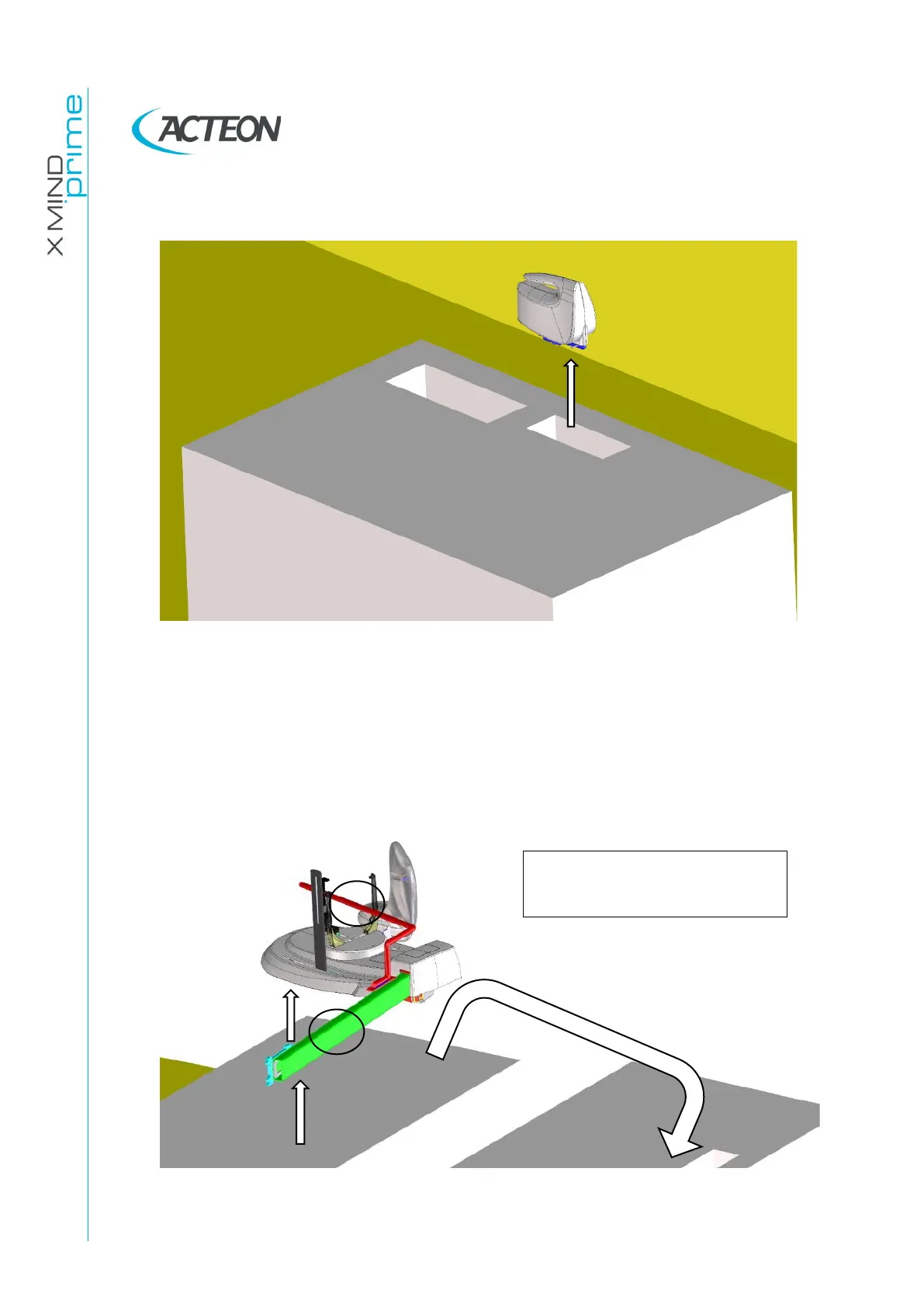
Remove the carton box from the Ceph package and remove the 2D sensor from
the special seat in the polystyrene packaging.
Figure 24
18.
Open the packaging and remove the Ceph arm using the handle and the
support arm as gripping points.
DO NOT GRAB THE CEPH DEVICE IN ANY
OTHER POINT
.
This should be done by two operators
Figure 25

Gripping points:
1 Handle 2 Support Arm
1
2

Table of Contents

Related product manuals