94
5.5.2 DDNS
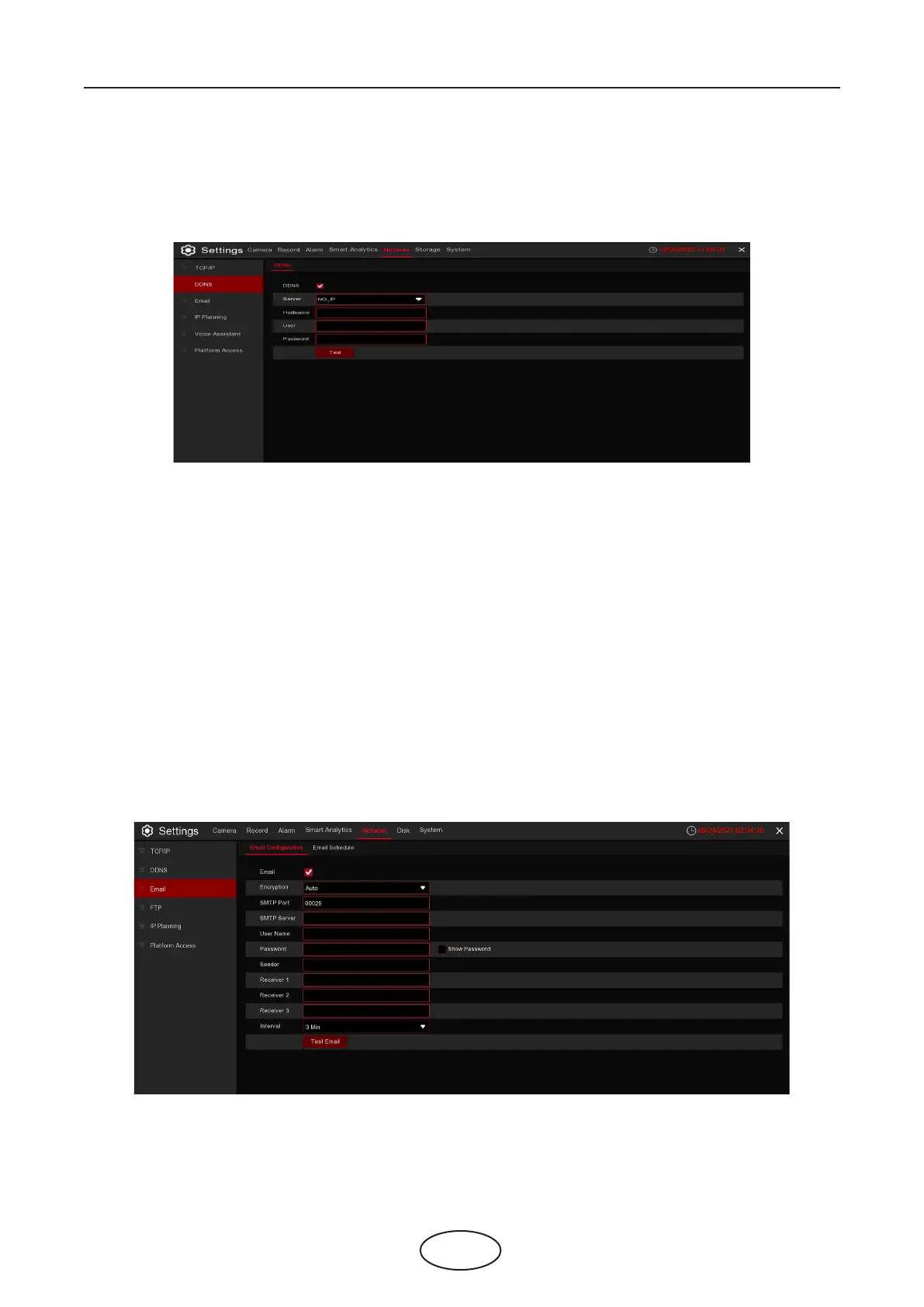
This menu allows you to congure DDNS settings. The DDNS provides a static address to simplify remote
connection to your NVR. To use the DDNS, you rst need to open an account on the DDNS service provid-
er’s web page.
DDNS: Check to enable DDNS.
Server: Select the preferred DDNS server (DDNS_3322, DYNDNS, NO_IP, CHANGEIP, DNSEXIT).
Domain: Enter the domain name you created on the DDNS service provider’s web page. This will be the
address you type in the URL box when you want to connect remotely to the NVR via PC.
For example: NVR.no-ip.org.
User/Password: Enter the user name and password you obtained when creating an acocunt on the DDNS
service provider’s web page.
After all parameters are entered, click Test DDNS to test the DDNS settings. If the test result is
“Network is unreachable or DNS is incorrect”, please check whether the network is working,
or if the DDNS information is correct.
5.5.3 Email
This menu allows you to congure email settings. Please complete these settings if you want to receive the
system notications on your email when an alarm is triggered, HDD becomes full, HDD is in error state,
or Video Loss occurs.
5 NVR System Setup



 To Next Page