158
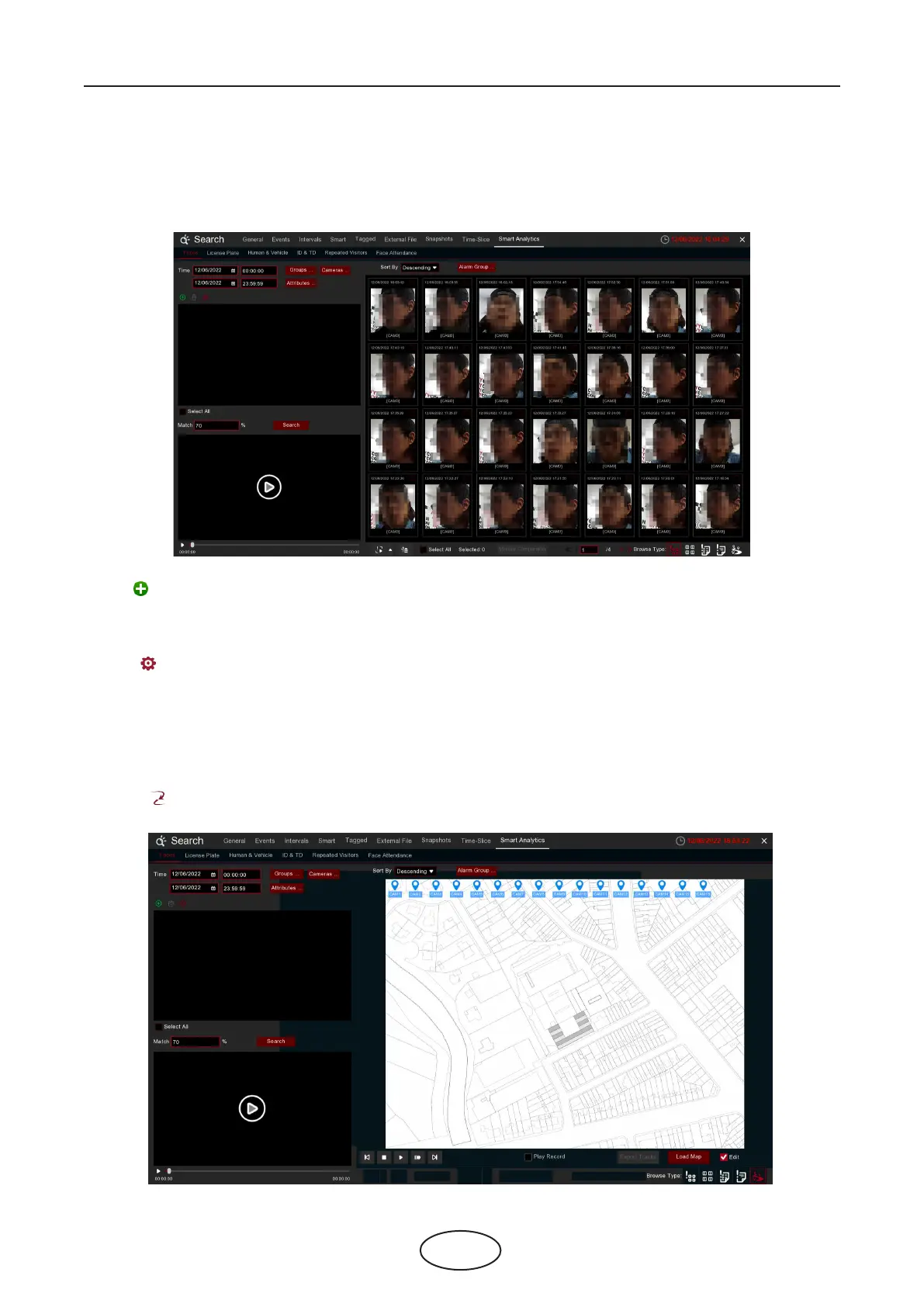
Choose date, time, channel, groups to search all captures faces.
1. Click icon to add customized faces.
2. Choose the Cameras you want to search.
3. You can also set search conditions of the facial features in Attributes.
4. Choose the comparation group in Alarm Groups.
5. Click icon to congure the AI settings.
6 Search, Playback & Backup
6.1.9 AI Search
6.1.9.1 Face
6.1.9.2 E-Map
E-Map function helps to track a person’s faces.
Click the icon to sets the E-Map function.



 To Next Page