64
5 NVR System Setup
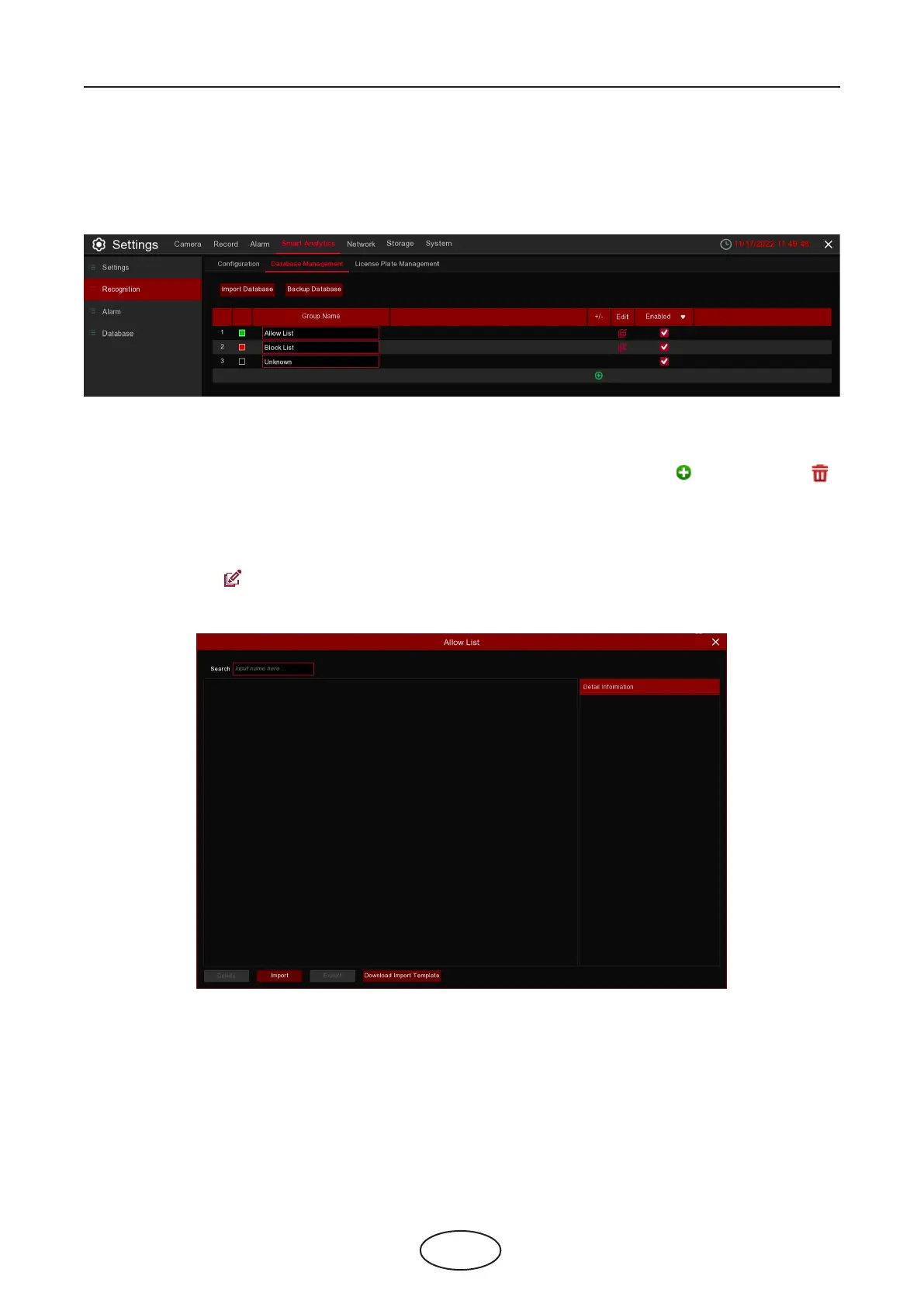
5.4.2.2 Database Management
You’re able to create the face database to classify dierent faces.
There are 3 default groups: Allow List, Block List and Stranger. You can use add icon and delete icon
to add or delete customized groups.
Import Database: Import database from USB memory.
Backup Database: Export database to USB memory.
Enable: Check to enable the group.
Edit: Click edit icon to edit the group.



 To Next Page