161
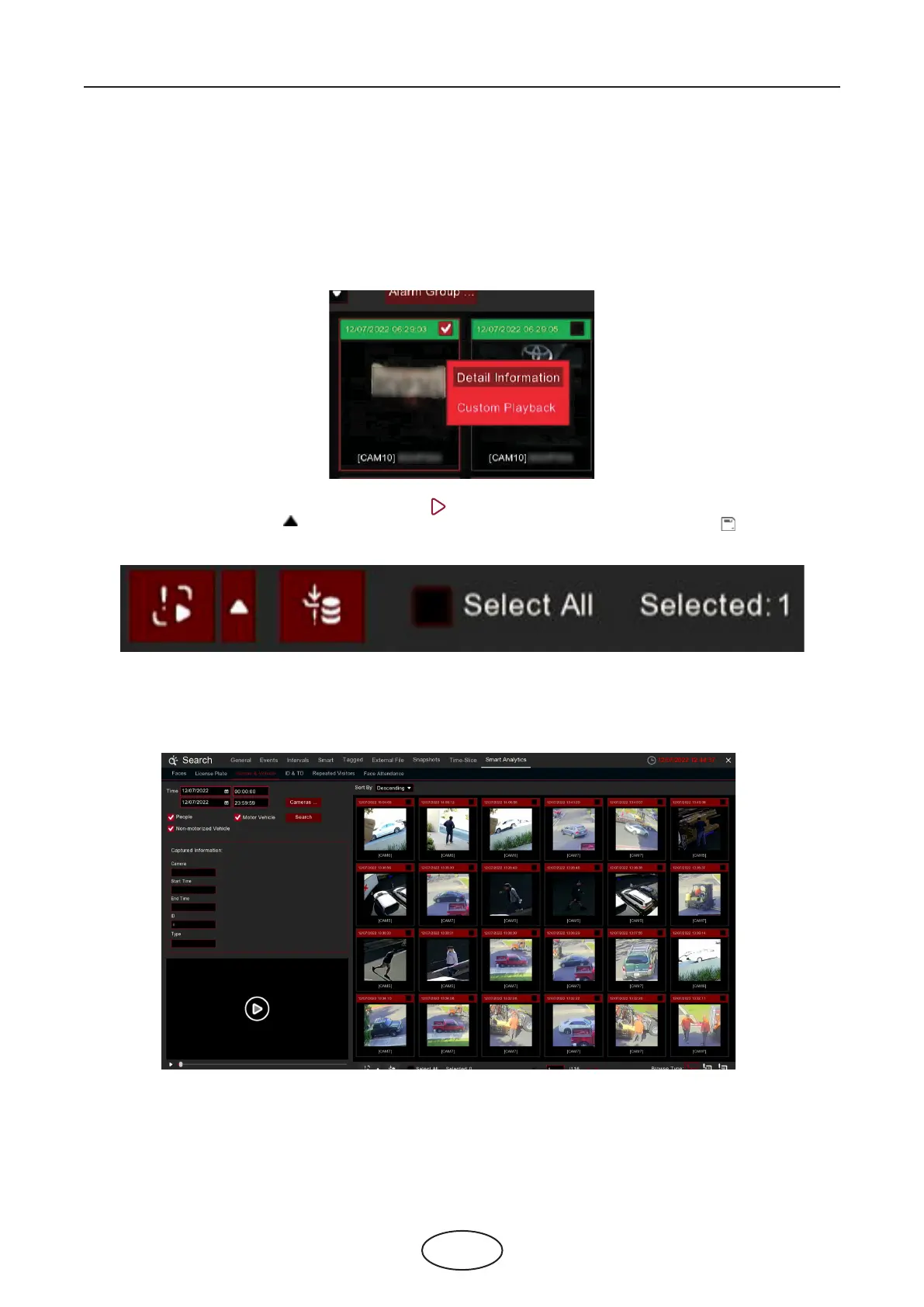
1. Select the date & time, camera(s).
2. Choose the detection type: Human and/or Vehicle.
3. Click Search, the result will be displayed on the right side of the window.
4. Click one of the images, the system will show its basic information on the left side of the window, and the
video will be played on the left bottom side.
5. Right click your mouse upon one of the images, you will have 2 options:
A. To view the le information.
B. To start playback of the le.
6. Choose one or more les, click the play button , the system will turn to the playback interface to play
the selected le(s). Click the icon to select the time duration you would like to play. Click to save the
selected le(s) to your USB memory.
6 Search, Playback & Backup
6.1.9.4 Human & Vehicle
The system provides a quick search for human beings and vehicles.



 To Next Page