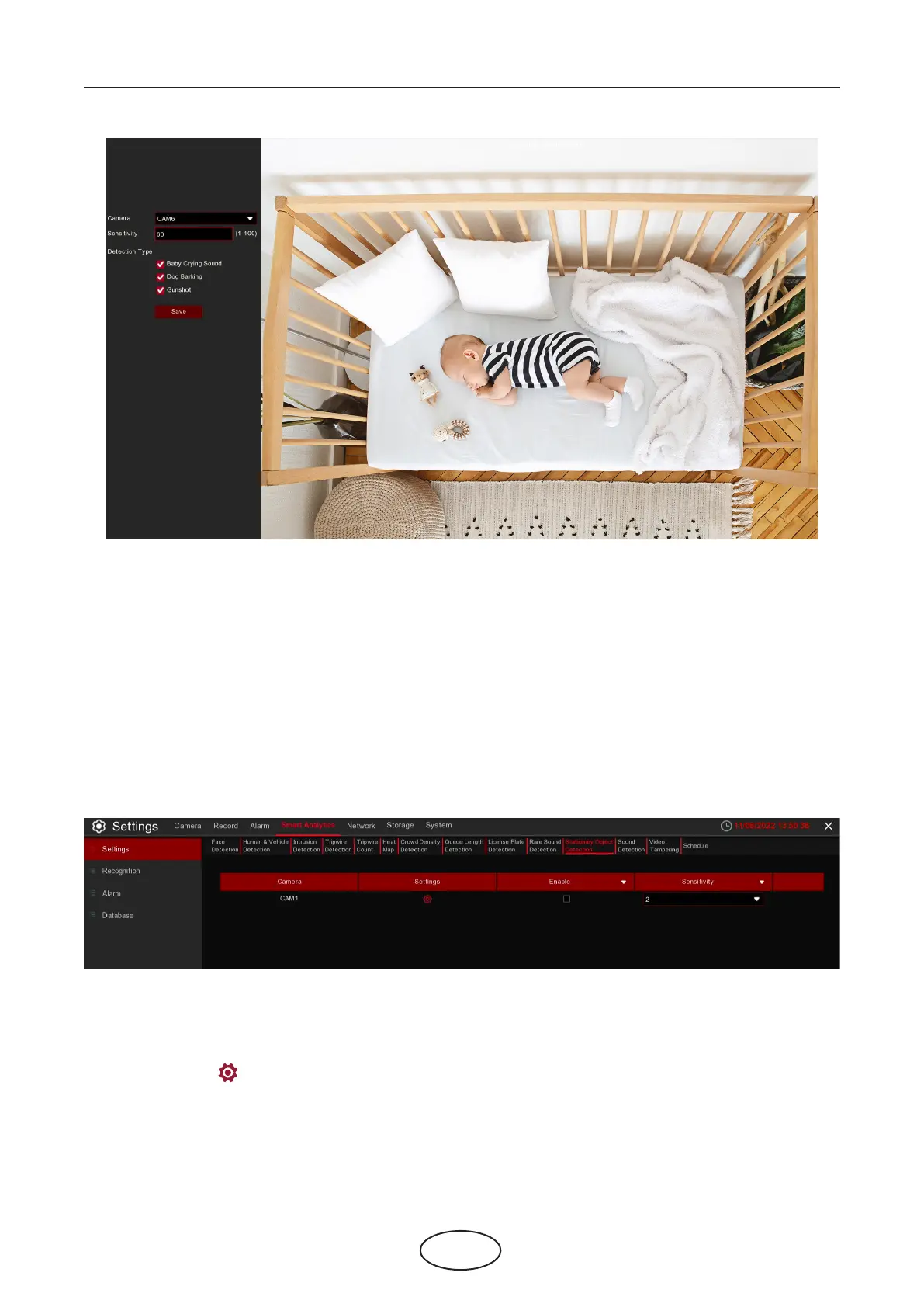
60
Camera: Camera selection
Sensitivity: Sensitivity, 1 is the minimum,100 in the maximum.
Detection Type:
Baby Crying Sound: Click to check baby crying.
Dog Barking: Click to check barking sound.
Gunshot: Click to check gunshot sound.
5 NVR System Setup
5.4.1.11 SOD (Stationary Object Detection)
The Stationary Object Detection function detects the objects left over or lost in the pre-dened region
such as baggage, purses, dangerous materials, etc and a series of actions can be taken when the alarm is
triggered.
Enable: Enable or disable the SOD function.
Sensitive: The sensitivity level is from 1 to 4, with a default value of 2. Higher sensitivity triggers the
detection more easily.
Click Settings icon to congure the detection conditions.



 To Next Page