82
5 NVR System Setup
Show Message: Select this box to show icon when CD alarm are detected.
Send Email: NVR/DVR send an automatic email when CD alarm are detected.
FTP Picture Upload: To upload alarm images to FTP server when an alarm is triggered. To enable FTP,
please view 5.4.4 FTP.
FTP Video Upload: To upload alarm video to FTP server when an alarm is triggered. To enable FTP, please
view 5.4.4 FTP.
Picture to Cloud: To upload alarm images to Cloud server when an alarm is triggered. To enable Cloud,
please view 5.5.2 Cloud.
Video to Cloud: To upload alarm video to Cloud server when an alarm is triggered. To enable Cloud,
please view 5.5.2 Cloud.
Full Screen: If this feature is enabled and the CD alarm are detected in the channel, you will see the chan-
nel in full-screen mode.
Voice Prompts: Voice prompt, when the alarm is triggered, the audio le is imported by the voice prompt
(the IPC needs to support the voice prompt function), Please view in 5.3.7 Voice Prompts
5.4.3.9 QD (Queue Length Detection)
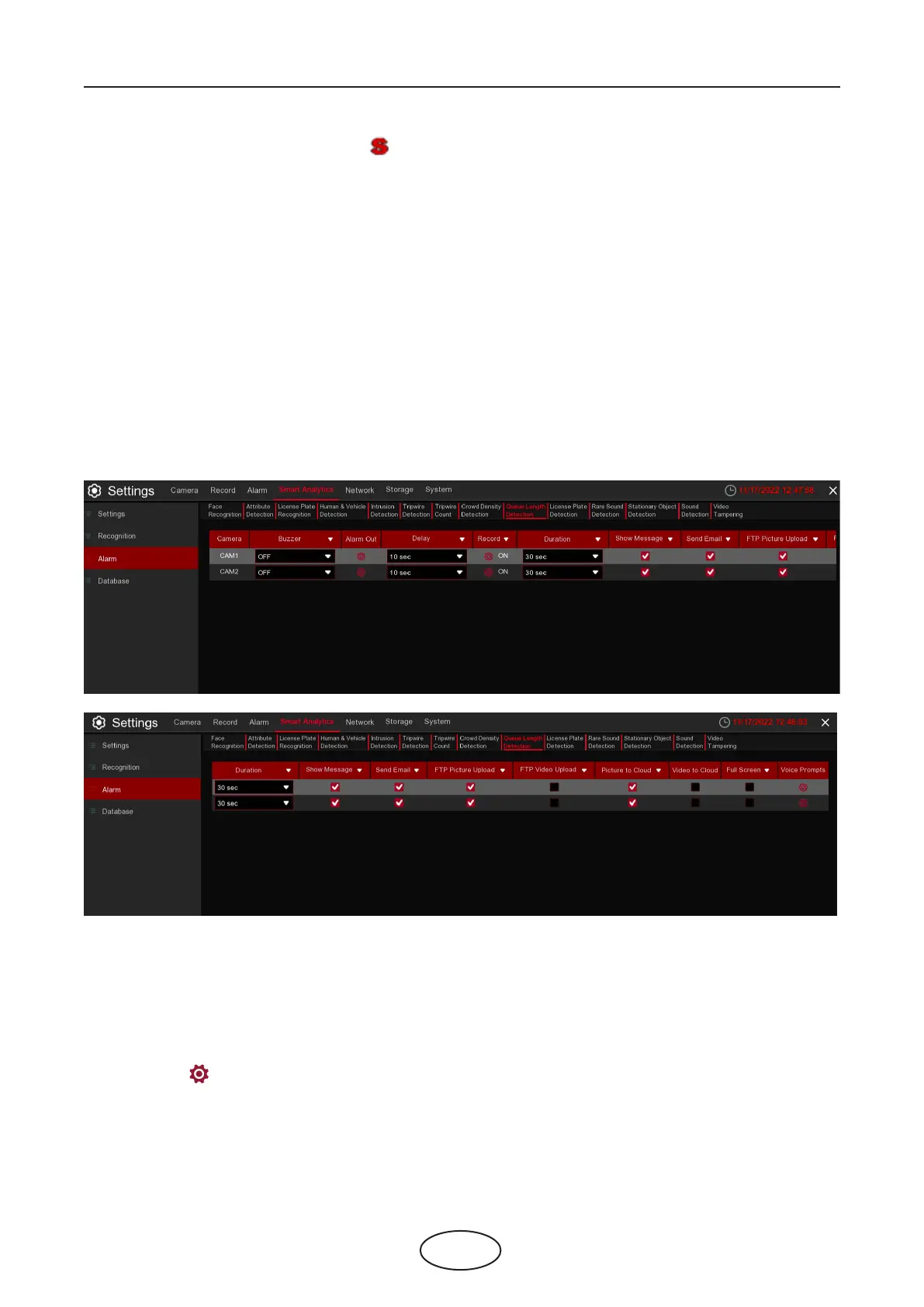
Congure Queue Length detection in this interface.
Camera: Camera name
Buzzer: NVR/DVR internal buzzer. You can set the buzzer duration time (in seconds) for triggering a Queue
Length alarm.
Alarm out: Check the external alarm device when Queue Length alarm is triggered.
Delay: Set the duration of triggering the external alert devices (10s, 20s, 40s, and 1Min).
Record: Click icon to set channels that pedestrian and vehicle alarms.



 To Next Page