43
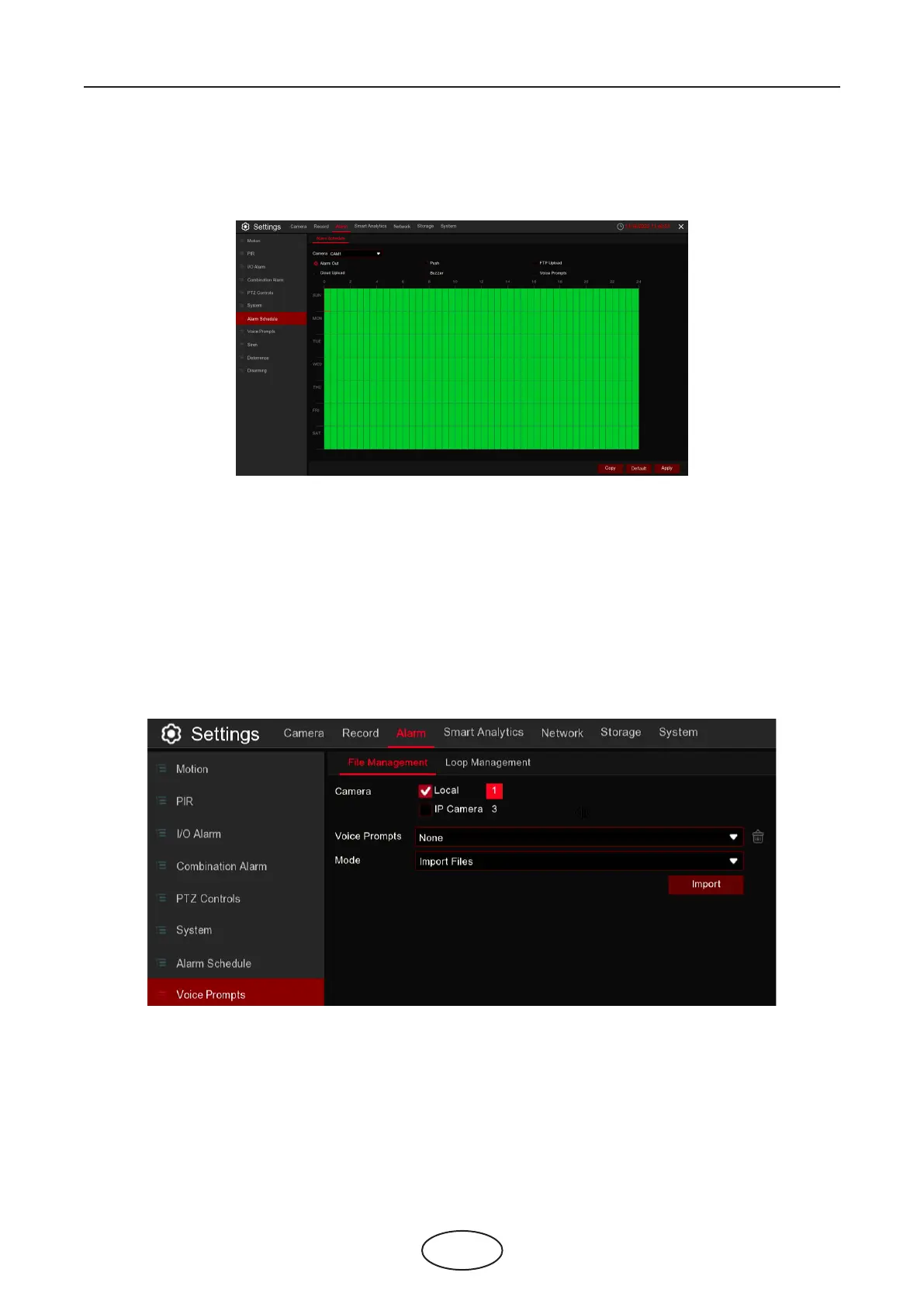
In this menu, you can set several schedules, including Alarm out, Push, FTP Upload, Cloud Upload and
Buzzer.
If your NVR or IP camera connects with a speaker, you can select an customized alert voice when the
alarm happens. In the page, you’re able to manage your customized voice les.
The system provides 3 dierent methods to create customized voices: Import Files, Local Conversion and
Internet Server Conversion.
Import Files: Supports to import MP3, WMA and WAV les from USB memory and/or web page.
Choose Import Files Models, and then click the Import button, and choose the audio le from your USB
memory. It is allowed to add only 1 le at a time. You can add multiple les at a time in the web page.
Camera: Select the camera to set its capture parameters.
To set the schedule, choose one camera and one of the alarm types then drag the cursor to mark the slots.
The green blocks in the time slots will be active for alarm. The schedule is valid only for the selected chan-
nel each time when you set. If you want to use the same schedule for other channels, use Copy function.
Click Save to save your settings.
5 NVR System Setup
5.3.6 Alarm Schedule
5.3.7 Voice Prompts



 To Next Page