44
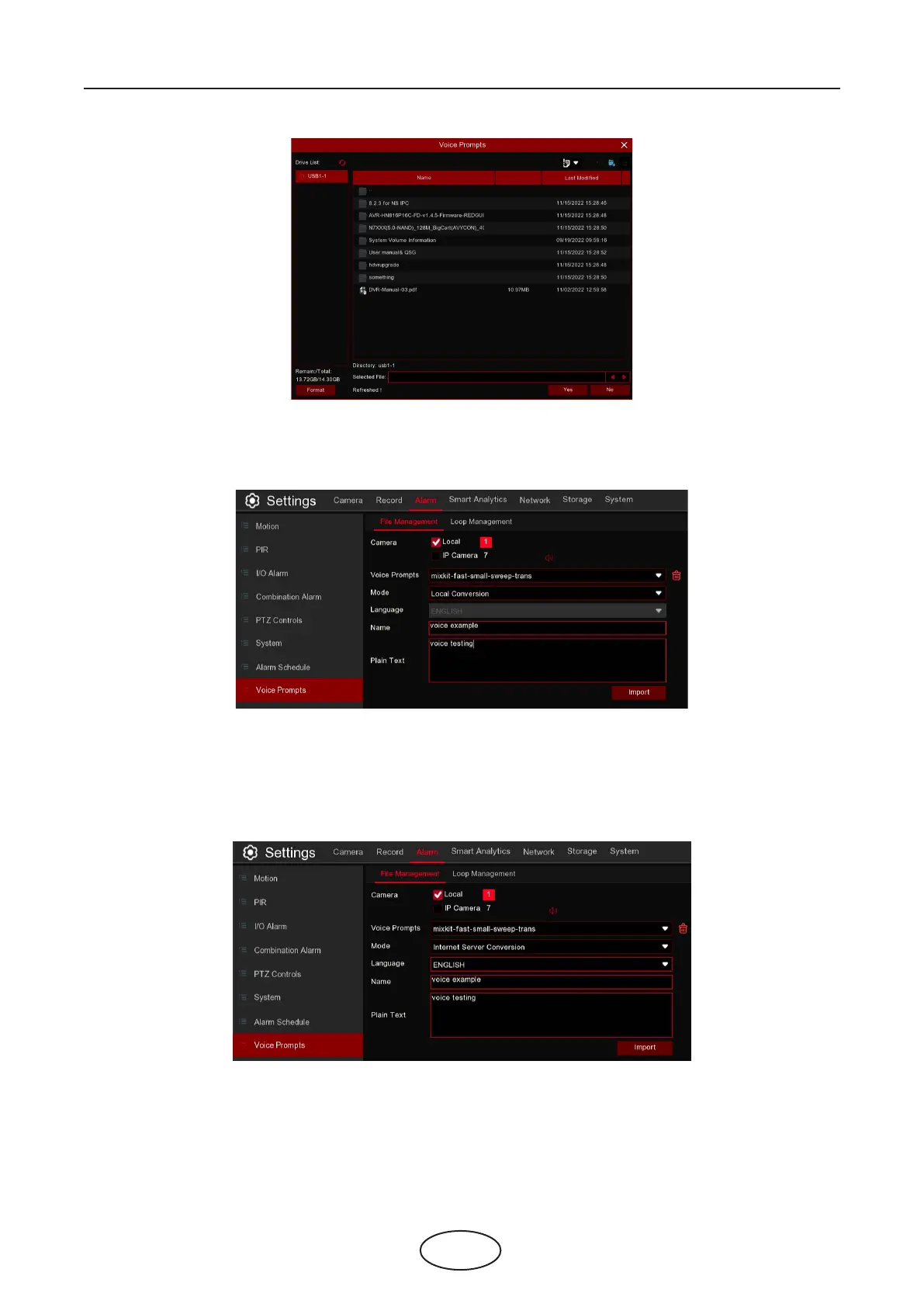
Local Conversion: The system supports to convert your plain text into audio le by local algorithm.
Choose Local Conversion Models, and then input the name of the le & plain text. Click Import button, the
system will convert the text you input into a voice le and save to the NVR storage.
Internet Server Conversion: The system supports to convert your plain text into multi-language audio le
by internet server.
Choose Local Conversion Models and language you want to speak, and then input the name of the le &
plain text. Click Import button, the system will convert the text you input into a voice le and save to the
NVR storage.
It is recommended to operate with webpage for multi-language input except for English.
5 NVR System Setup



 To Next Page