154
6.1.5 Tag Search
6.1.6 Play External File
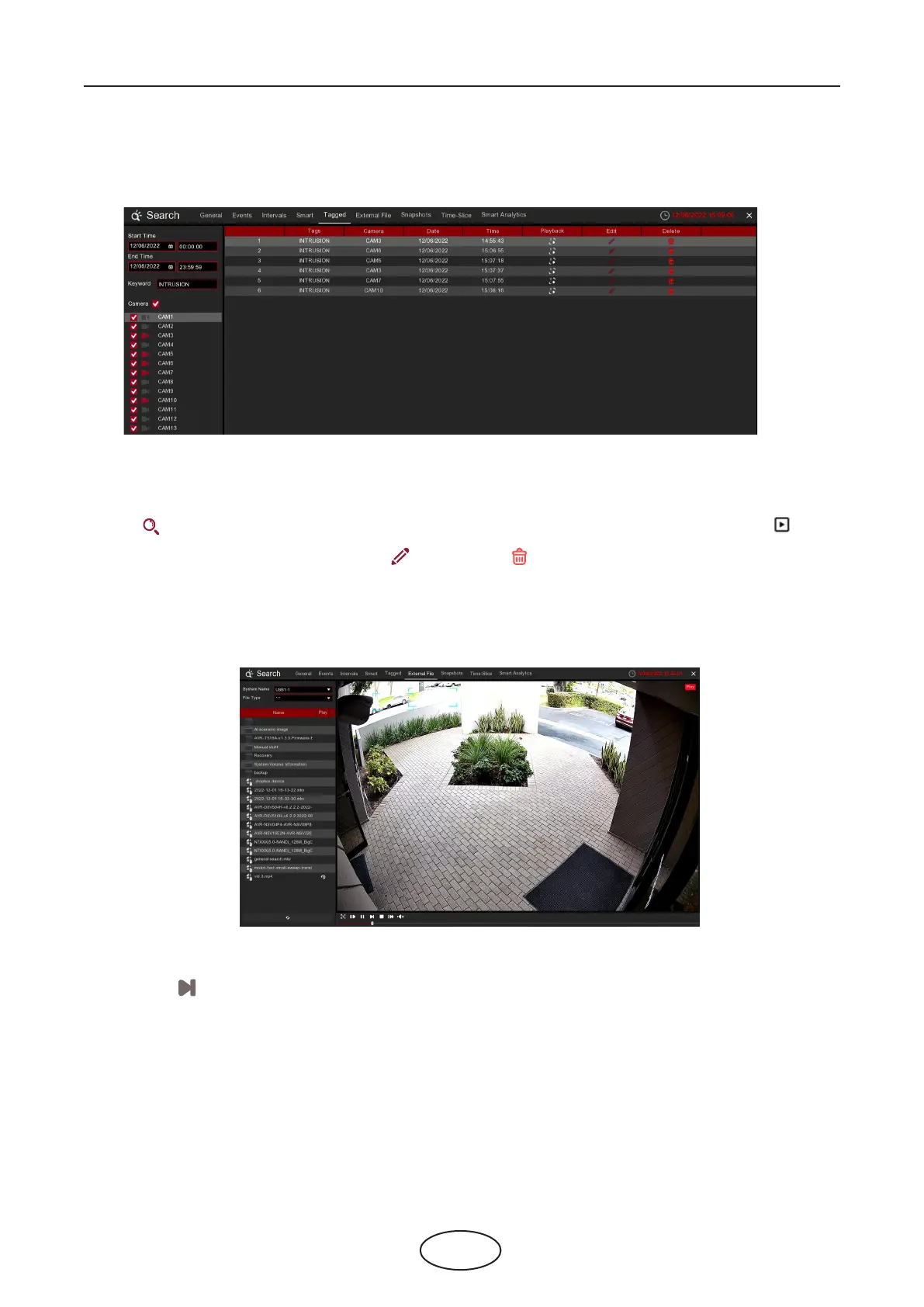
You can search, play and manage the contents with tags you added in live view and/or playback.
The NVR supports to play the videos saved in the external USB memories.
Insert your USB memory into the USB port, nd out the folder where the video les are saved, and then click
the play icon to play the video.
1. Select the start time and end time you want to search.
2. Select the camera(s) you want to search.
3. If you gave customized tag names to the tags, you can input the keyword to narrow your search.
4. Click button to search. The tags will be displayed on the right window. Click the play button to
start playing.
5. If you want to modify the tag name, click button. Click button to delete the tag.
6 Search, Playback & Backup



 To Next Page