14
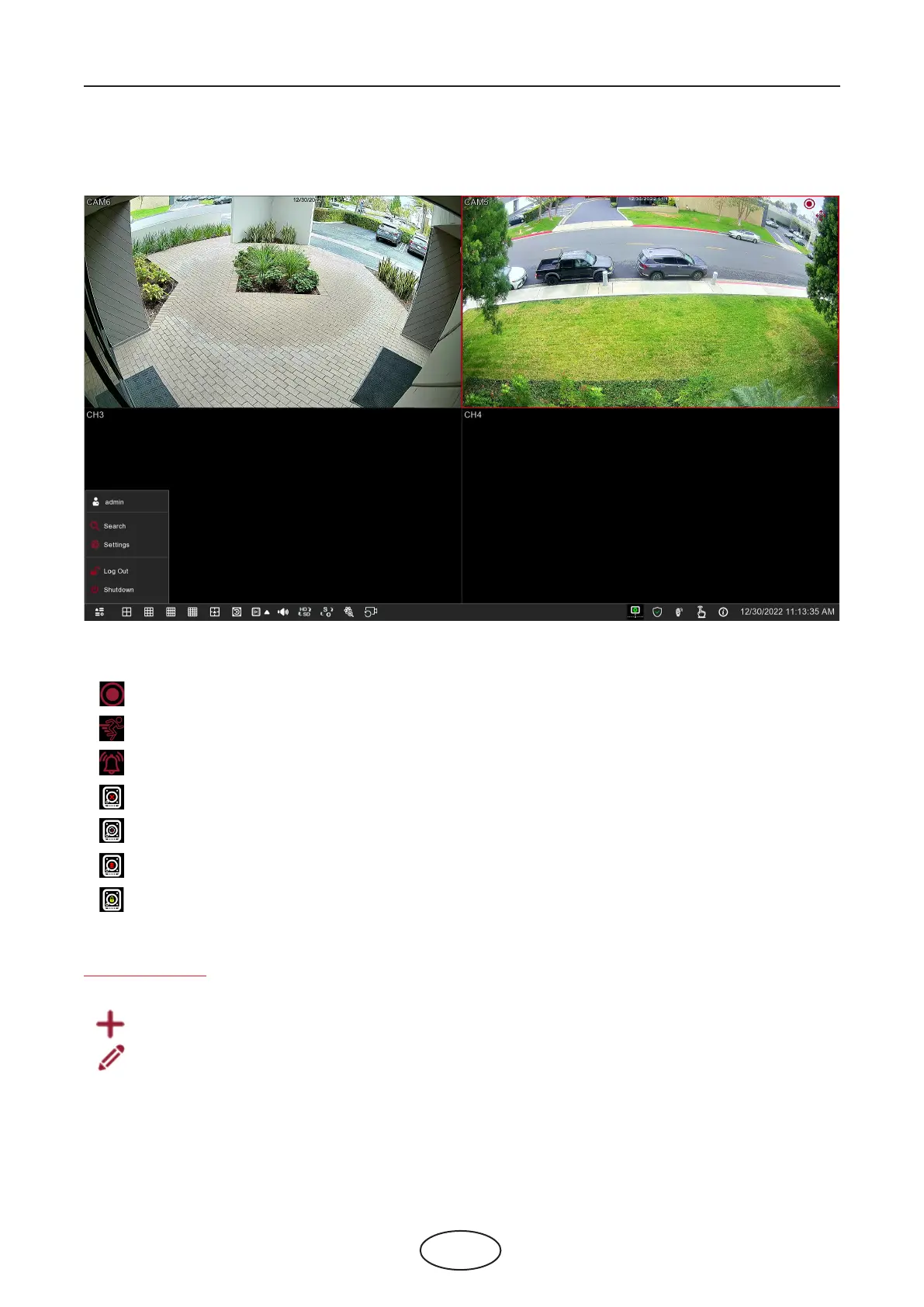
4.2 Live View Screen Overview
Status Icons
This icon indicates that the NVR is currently recording.
This icon appears when the camera has detected motion.
This icon indicates that the external I/O alarm device is triggered.
This icon indicates that the HDD is not working due to an error.
This icon indicates that the HDD is unformatted.
This icon indicates that the HDD is full.
This icon indicates that the HDD is read-only.
4 NVR Starting Up
VIDEO LOSS: The analog camera is disconnected.
No-Camera: IP camera is disconnected.
Decording Failed: The NVR doesn’t support this kind of IP camera compression standard, please change to
H.264 compression standard.
Click to open the Quick Add menu to add IP camera.
Click to edit the current IP camera.



 To Next Page