131
5 NVR System Setup
5.7.4.4 Parameter Management
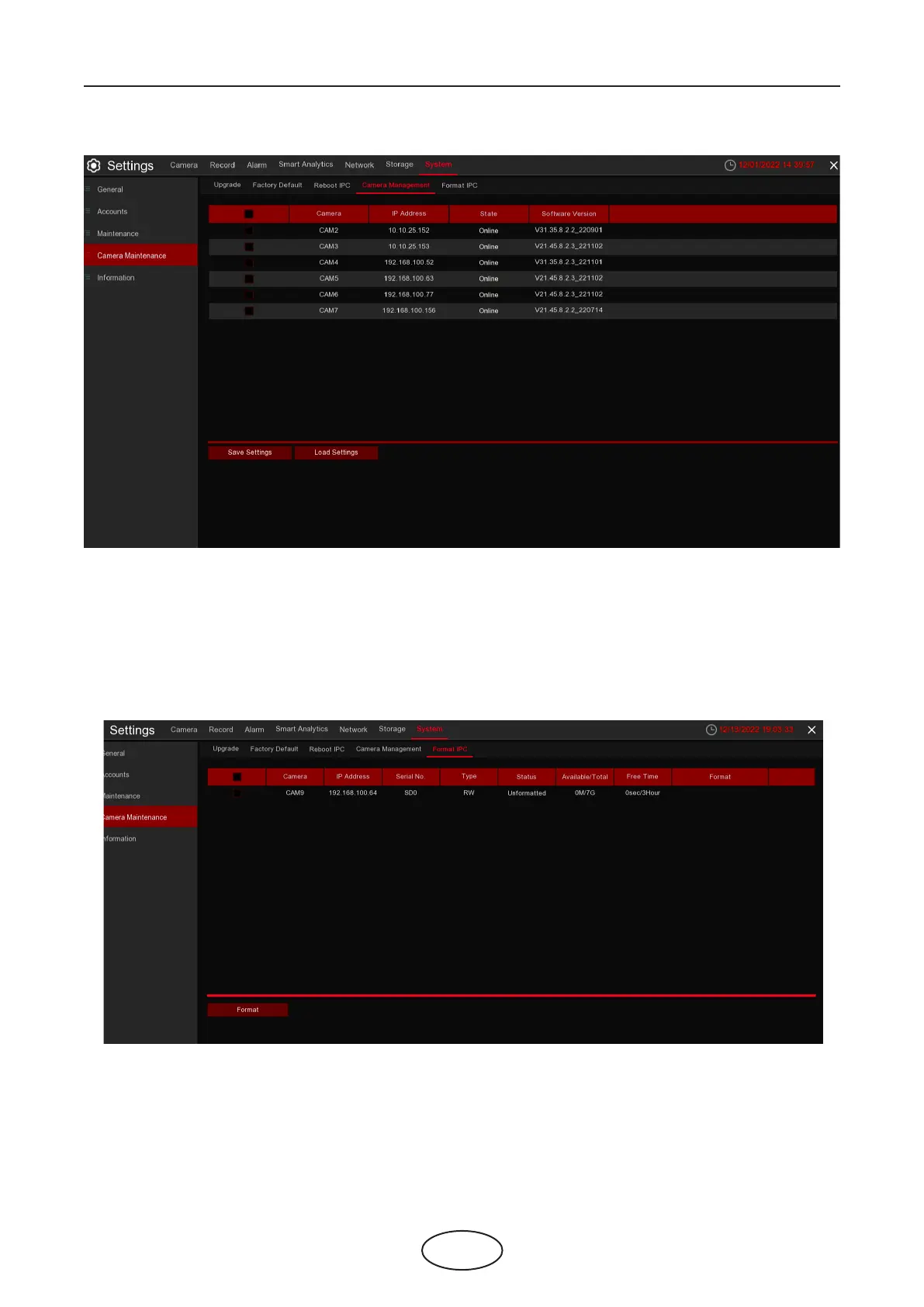
Select the IP camera, click Save Settings to export its setting values to your USB memory.
Select the IP camera, click Load Settings to import setting values from your USB memory.
This menu allows to format the SD card installed inside your IP camera.
1. Choose the IP camera's SD card you wish to format.
2. Click Format to format your settings. You will be required to input the Admin password to authenti-
cate.
5.7.4.5 Format IPC



 To Next Page