63
5.4.1.14 Schedule
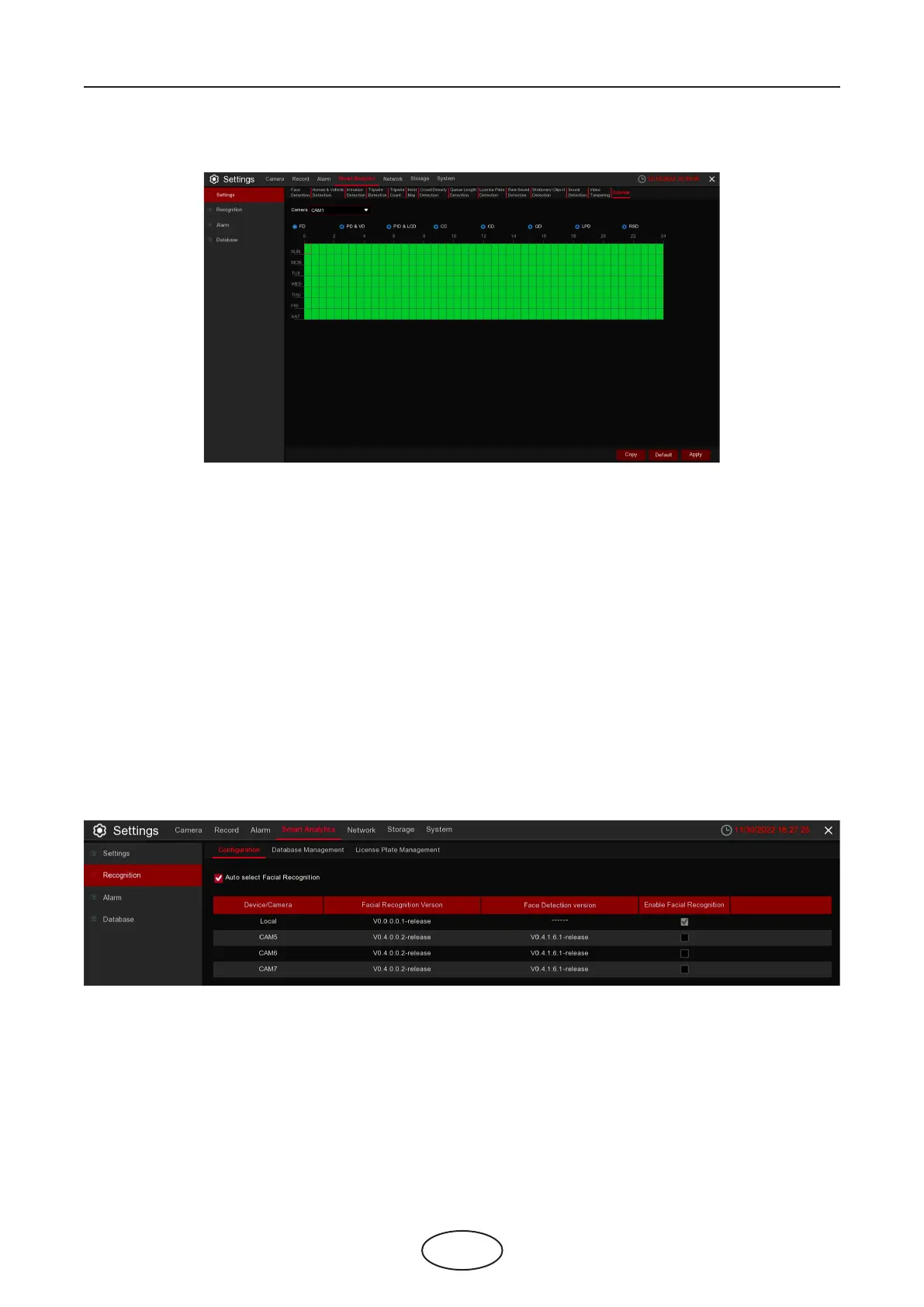
In order to activate the Smart Analytics function, you need to congure the schedule. The schedule will be
active in 24 hours x 7 days.
To set the schedule, choose one camera then click on one of the detection items on the top side of the
time bar, then drag the cursor to mark the slots. The schedule is valid only for the selected camera each
time when you set. If you want to use the same schedule for other cameras, use Copy function.
Click Save to save your settings.
5 NVR System Setup
5.4.2 Recognition
5.4.2.1 Model Conguration
The system supports recognition for Face and License Plate, you will need to congure the recognition
algorithm model and database.
To choose the face algorithm model. Auto select recognition model is recommended.



 To Next Page