38
Auto Snapshot: Enable or disable automatic capturing on the camera.
Stream Type: Select the image resolution by mainstream or substream.
Normal Interval: Time interval to capture an image in normal recording.
Alarm Interval: Time interval to capture an image when motion, IO alarm, or PIR is triggered.
Manual Capture: Enable or disable manual capture in the channel.
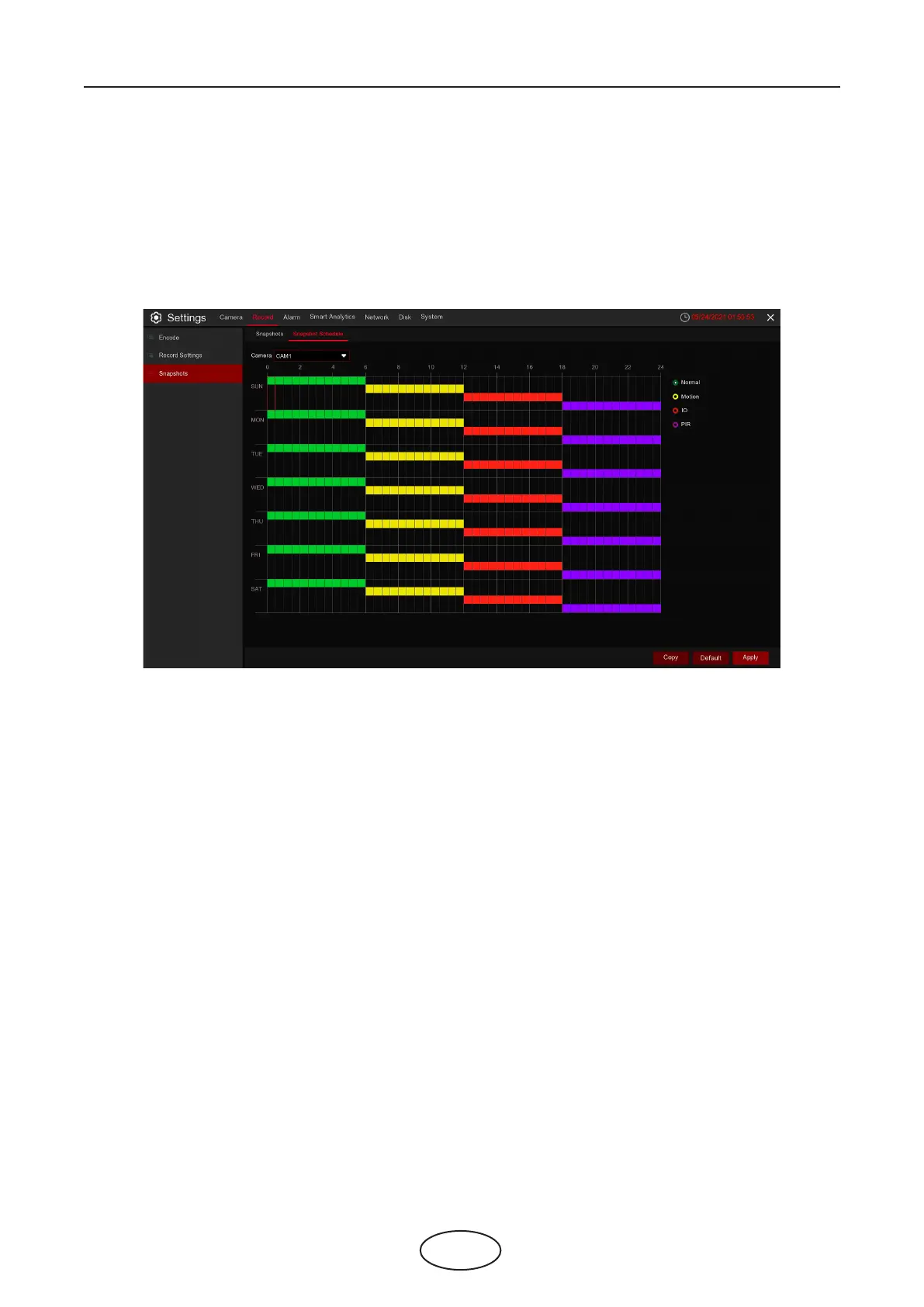
5.2.3.2 Snapshots Schedule
Camera: Select the camera to set its capture parameters.
Normal: When the time slot is marked green, this indicates the channel performs normal capture for that
time slot.
Motion: When the time slot is marked yellow, this indicates the channel captures images only when a mo-
tion is detected during that time slot.
IO: When the time slot is marked red, this indicates the channel captures images only when the sensor is
triggered during that time slot.
No Capture: A time slot marked black means that it won’t capture any images for the time slot, but you
can manually capture images if you enable the manual capture function in the channel.
5 NVR System Setup



 To Next Page