31
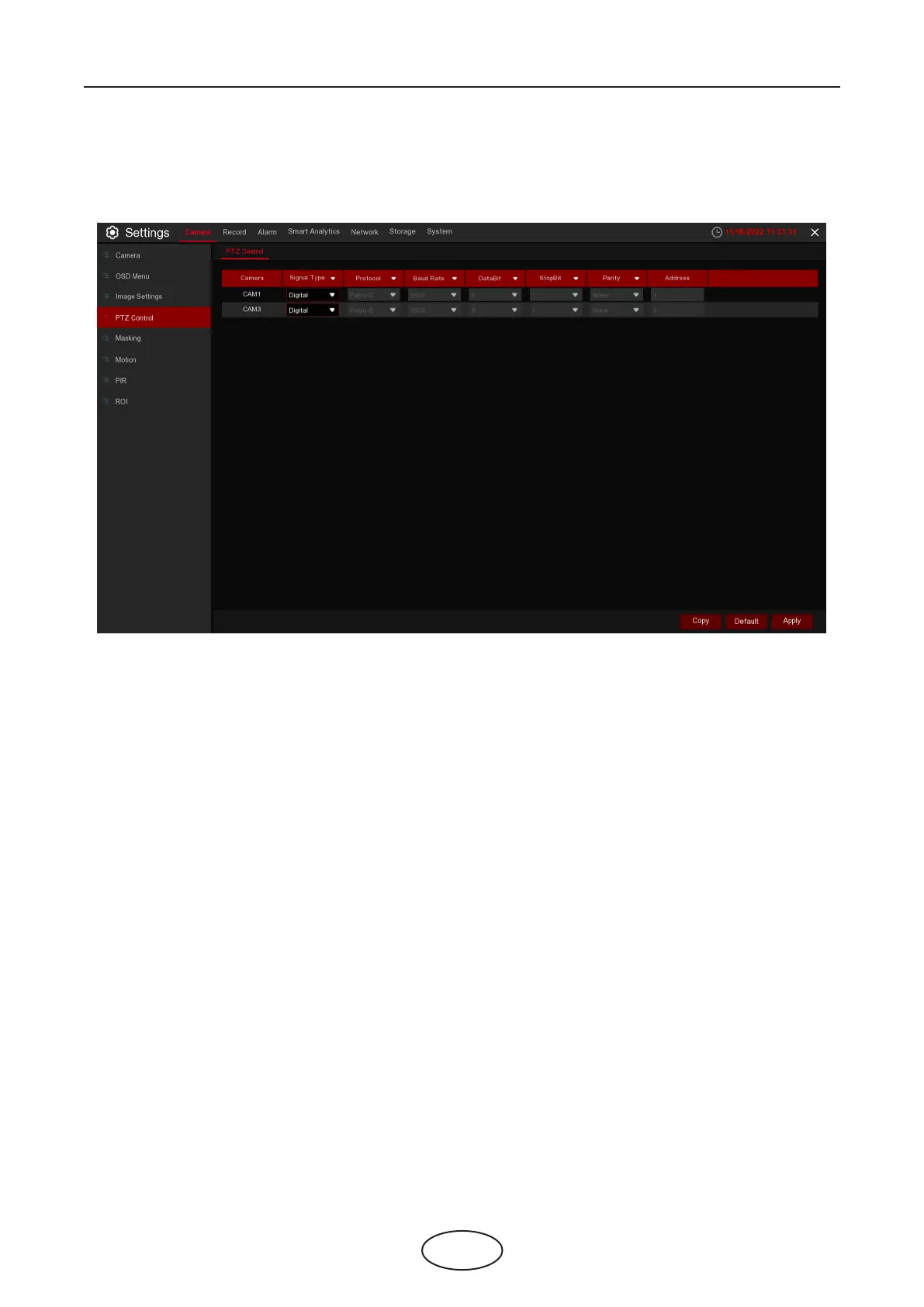
5.1.4 PTZ
This menu allows you to congure the PTZ (Pan-Tilt-Zoom) settings for the dome camera.
Camera: Camera name
Signal Type: If your PTZ camera is connected to the RS485 port, then choose "Analog", otherwise choose
"Digital"
Below items need to be set for Analog PTZ only.
Protocol: Choose the communication protocol between the camera with PTZ capability and NVR. If your
camera supports the UTC (Up the Coax) function, you can choose COAX1 or COAX2 to display your camera
OSD menu or control the UTC PTZ function.
Baudrate: The speed of the information sent from the NVR to the PTZ camera. Make sure it matches the
compatibility level of your PTZ camera.
DataBit / StopBit: The information between the NVR and PTZ camera is sent in individual packages.
The DataBit indicates the number of bits sent, while the EndBit indicates the end of the package and the
beginning of the next (information) package. The available parameters for DataBit are: 8, 7, 6, or 5.
The available parameters for the StopBit are 1 or 2.
Parity: For error checking. See the documentation of your PTZ camera, to congure this setting.
Cruise: Enable to use the Cruise mode. In order to use Cruise mode, you need to set a number of
preset points. (This isnt on there) -X
Address: Set the command address of the PTZ system. Please note that each PTZ camera needs a unique
address to function properly.
5 NVR System Setup



 To Next Page