55
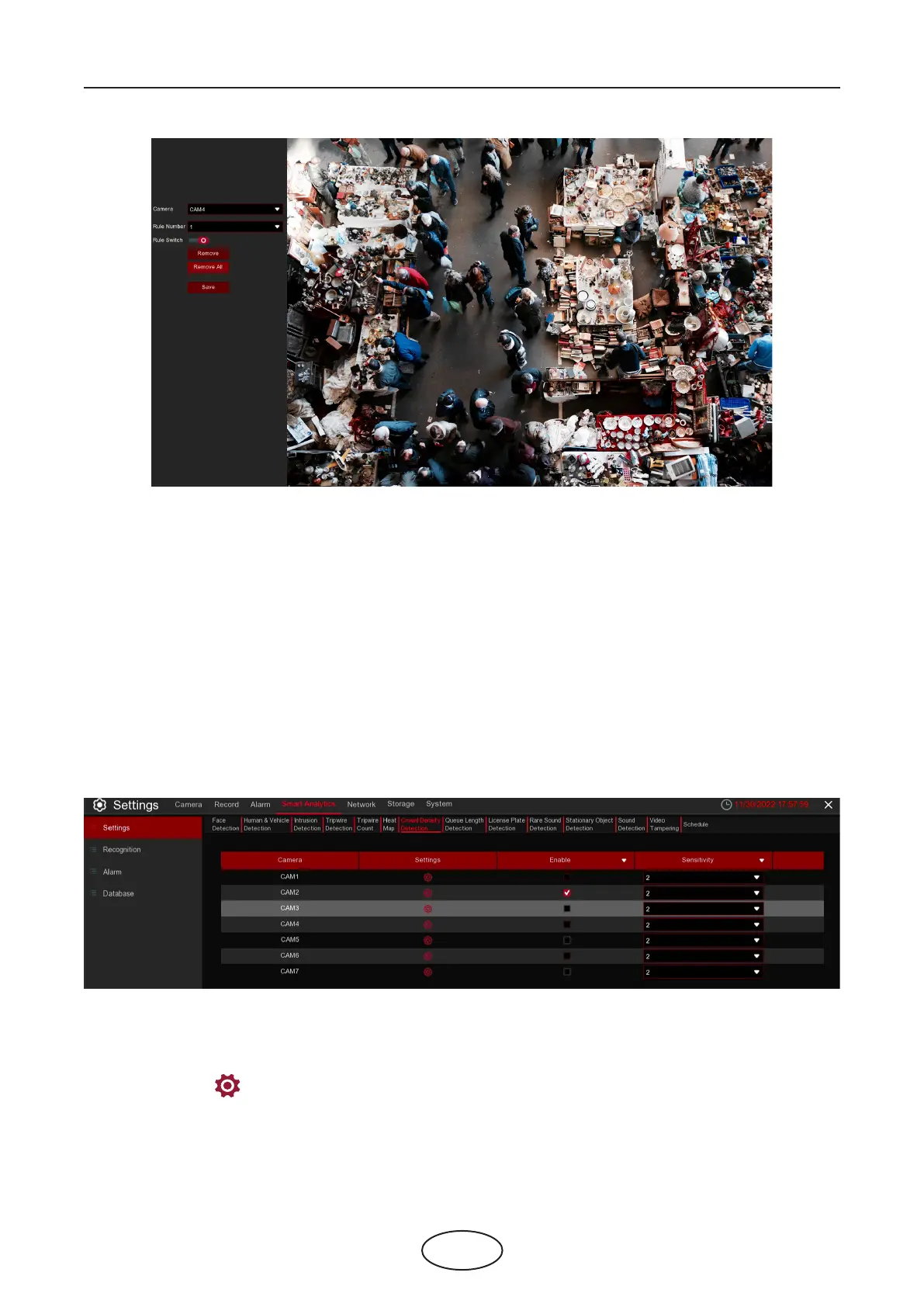
1. To enable the detection in Rule Switch.
2. Use your mouse to click 4 points in the camera picture to draw a virtual region. The sharp of the region
should be a convex polygon. Concave polygon will be not able to save.
3. Click Save to save your settings.
4. If you want to modify the position or sharp of region, click the red box in the region, the borders of the
region will be changed to red color. Click and hold the left button of your mouse to move the position of
the region, or drag the corners to resize the region.
5. If you want to remove one of the regions from the camera picture, click the red box in the region and
then click Remove button. Click Remove All will delete all regions.
5 NVR System Setup
5.4.1.7 CD (Crowd Density Detection)
Crowd density detection is used to detect crowd gathering to maintain a controllable order in certain area.
Enable: Check the box to enable the CD function.
Sensitivity: Set the sensitivity level. Level 1 the lowest sensitivity level while level 4 is the highest sensitivity
level.
Click Settings icon to congure the detection conditions.



 To Next Page