37
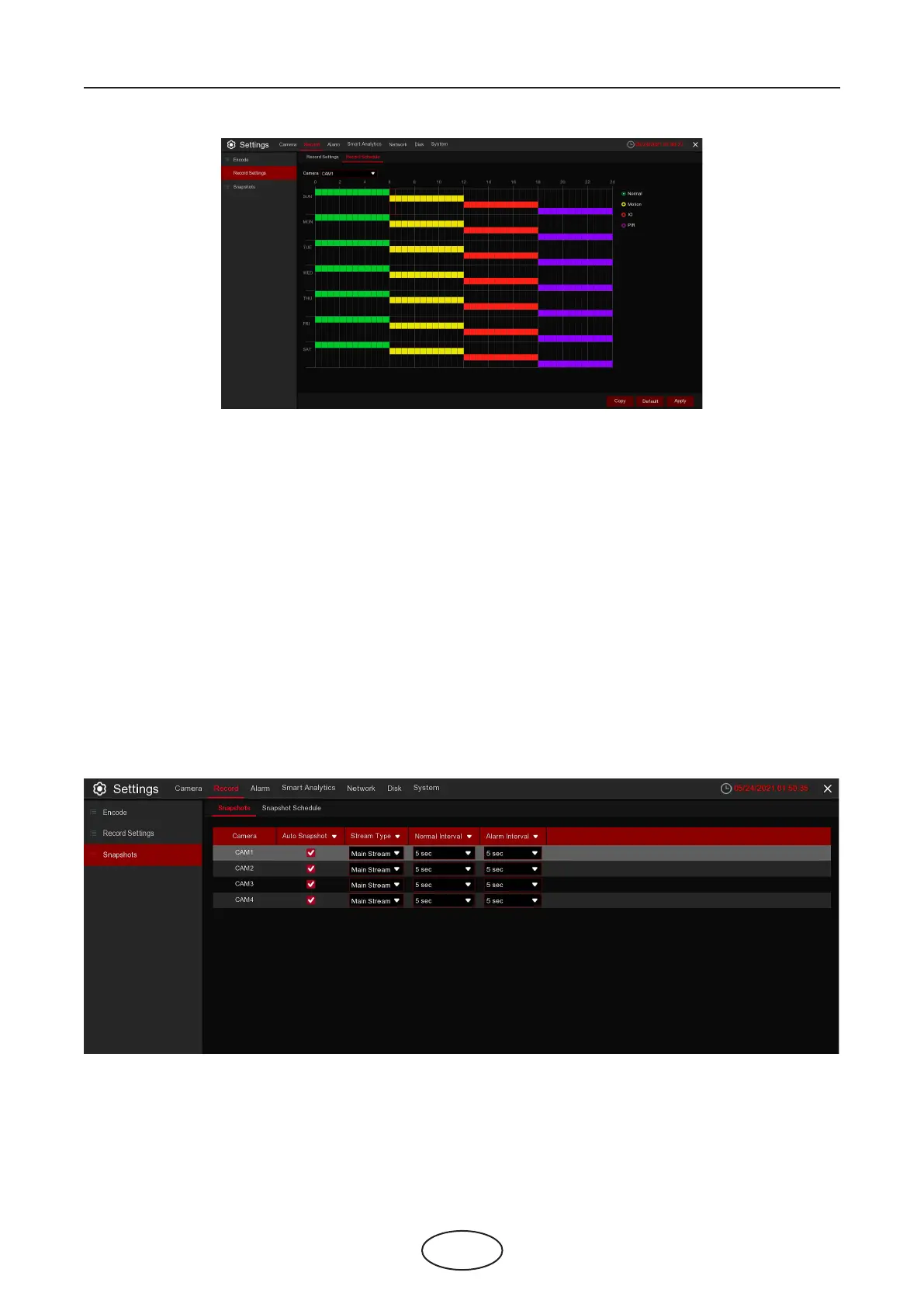
Camera: Select the channel to set its recording parameters.
Normal: When the time slot is marked green, this indicates the channel performs normal recording for that
time slot.
Motion: When the time slot is marked yellow, this indicates the channel records only when a motion is
detected during that time slot.
IO: When the time slot is marked red, this indicates the channel records only when the sensor is triggered
during that time slot.
No Record: A time slot marked black means that there is no recording scheduled for the time slot.
Click Apply to save your settings.
5 NVR System Setup
5.2.3 Snapshots
5.2.3.1 Snapshots
This menu allows to congure the image snapshot function.



 To Next Page