160
6 Search, Playback & Backup
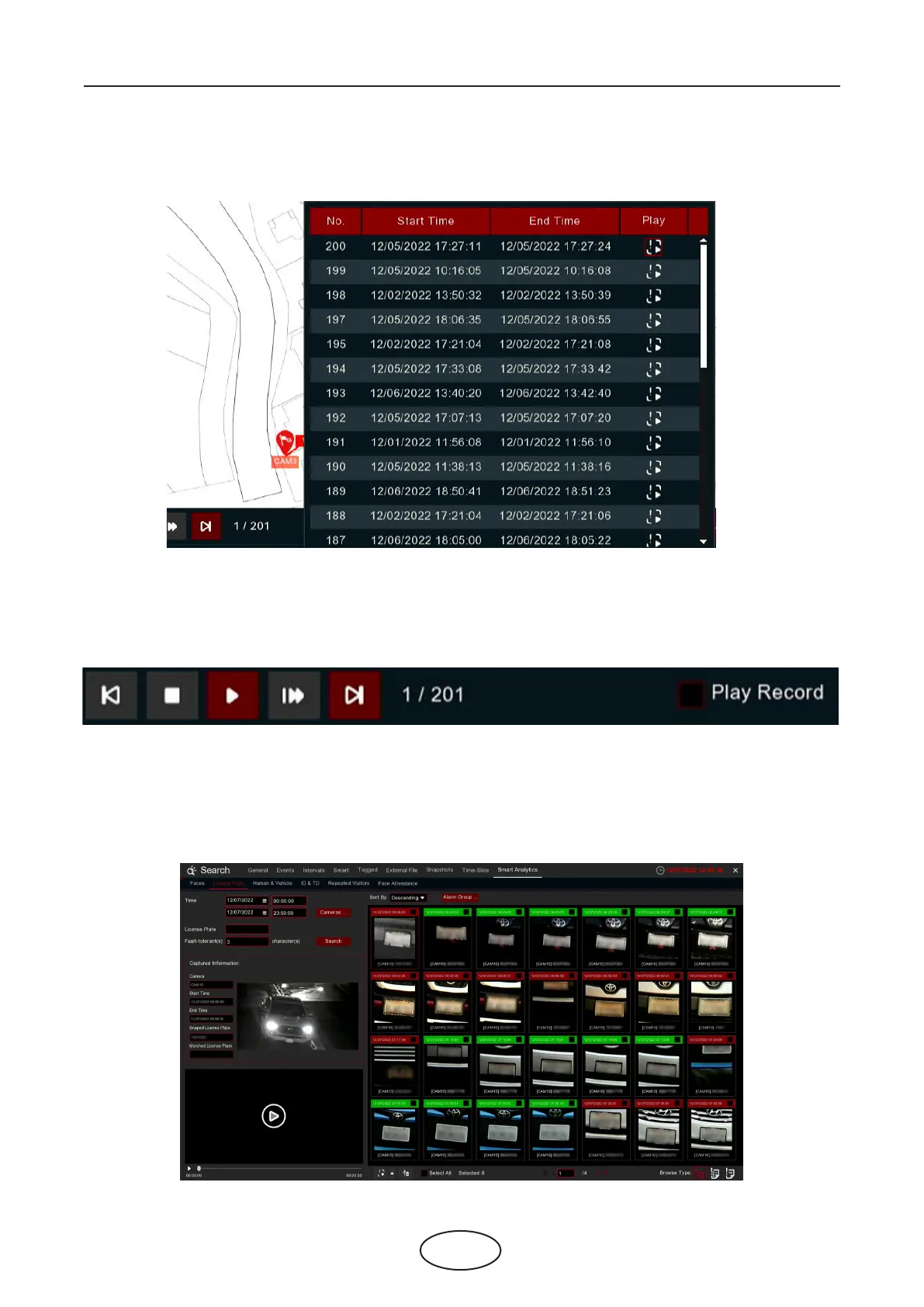
4. Click upon one of the sites, it will display the captured date & time. Click the Play button, the recorded
video will be played on the left bottom corner.
5. Click the play button on the play control, the system will automatically demonstrate the moving track.
Check the Play Record box, recorded videos will be played meanwhile.
6.1.9.3 License Plate
The system provides a quick search for human beings and vehicles.



 To Next Page