104
5 NVR System Setup
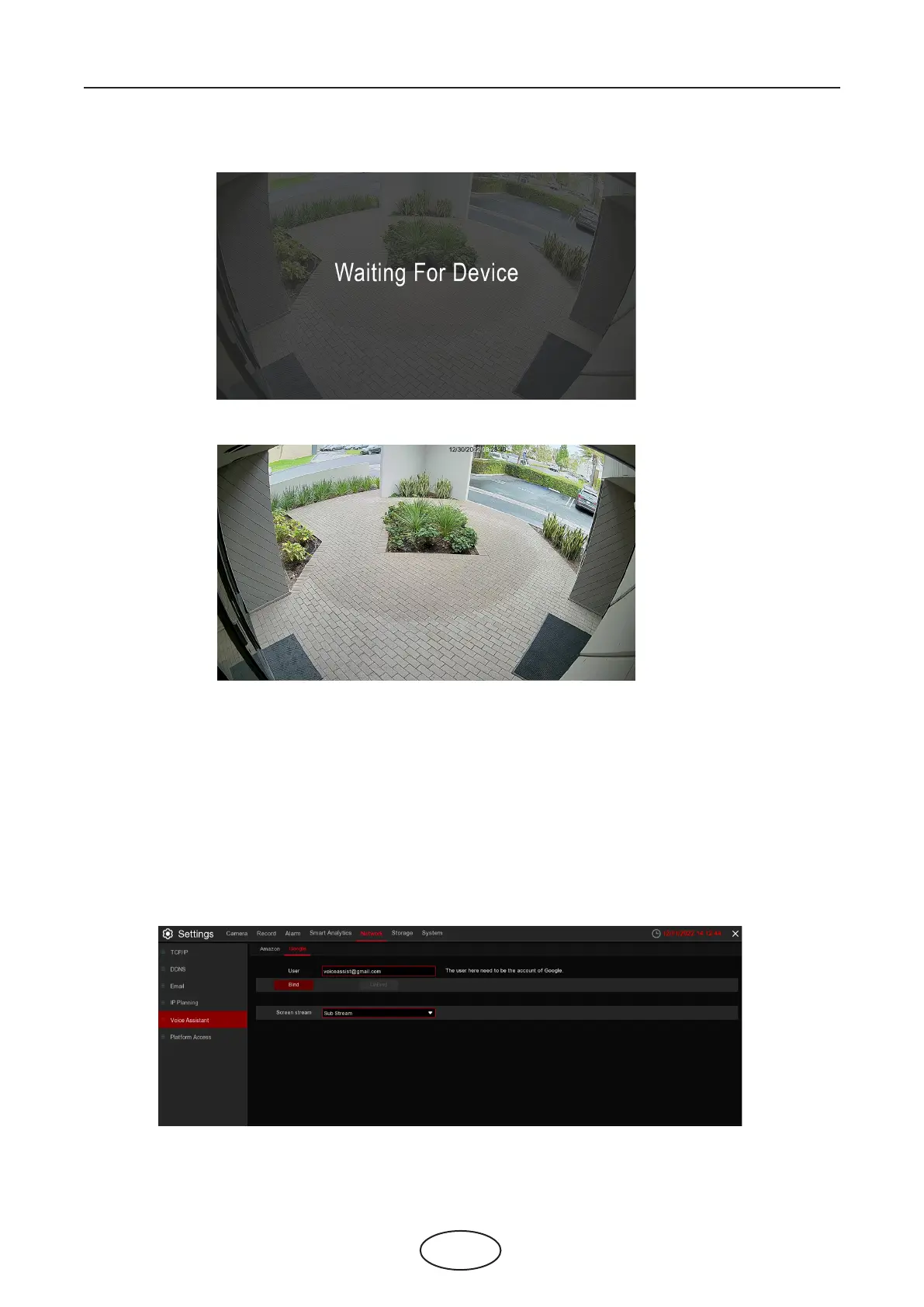
15. Wait for a while, you will see the real time images from the Oce camera in your TV monitor.
16. If you want to quit the camera live view, speak “Stop”.
17. If you have changed the channel name, you would need to discover and add the camera again.
5.5.5.2 Voice Assistant with Google Chromecast
1. Input your Google account, and the click Bind button to connect to bind your Google account. To
choose the video stream you want to cast to your TV monitor.



 To Next Page