103
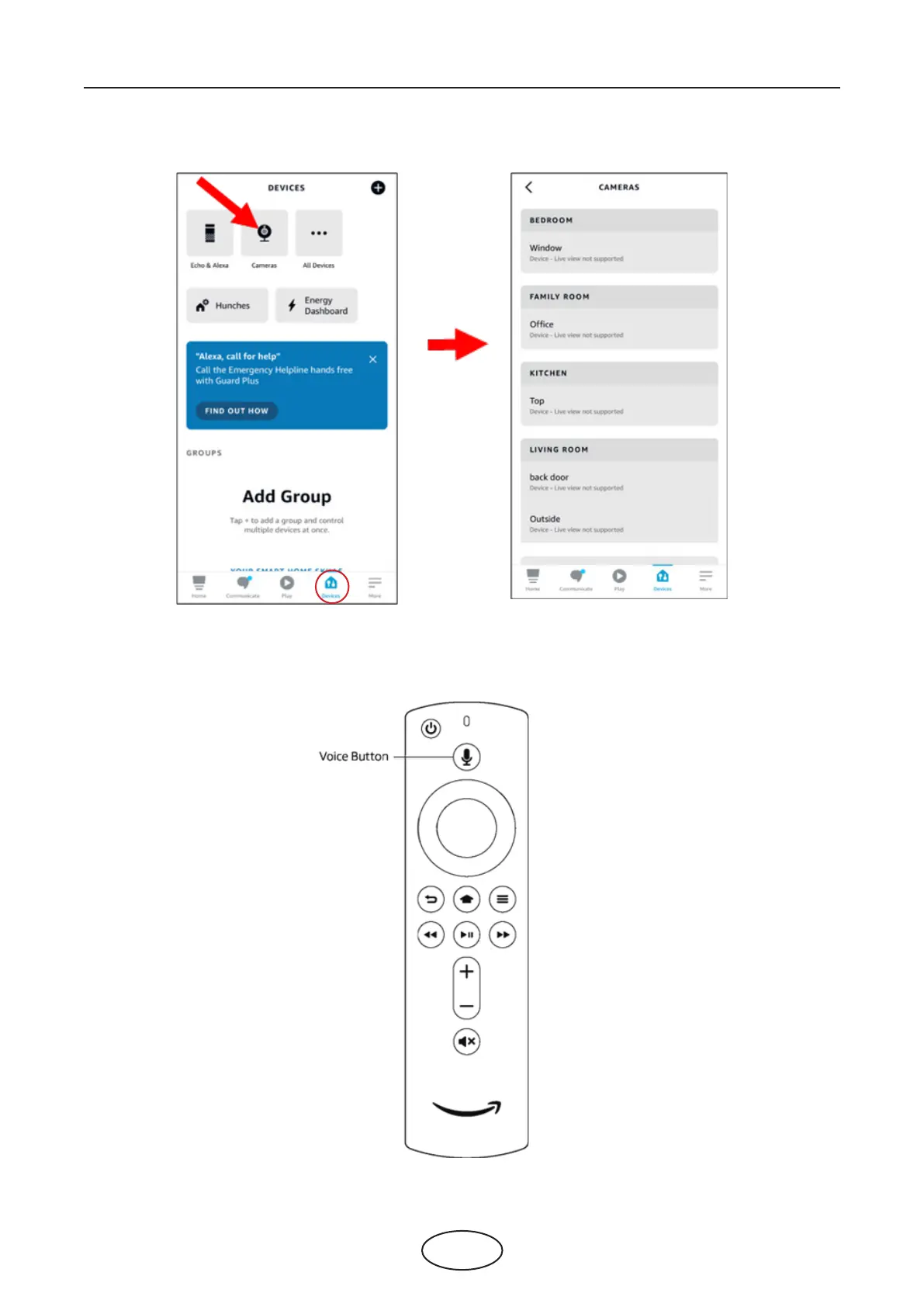
13. All added cameras will be listed in the Devices. Touch the Cameras icon to check all added cameras.
14. Press and hold on the voice button on the remote controller of the re TV stick, and speak the command
clearly. The command could be like: Show the XXX camera / Show XXX. XXX is the camera channel name.
For example, if the channel name is “Oce”, you could speak “Show my oce camera”.
5 NVR System Setup



 To Next Page