54
Camera: Select the camera you want to congure.
Type: Choose the detection target objects. Motion will detect all moving objects, Person will detect hu-
man beings only, and Vehicle will detect vehicles only.
Alarm Number: The NVR will send an alert if the number of entries minus the number of exits exceeds the
alarm number. E.g., the number of entries is 601 while the number of exits is 400, and the alarm number you
set is 200, 601-400>200, then the NVR will send an alert.
Start Time: Set the detection start time.
End Time: Set the detection end time
Reset Count: Clear the counting number.
Rule Number: Only 1 rule available.
Rule Switch: Activate or deactivate the rule.
1. Choose the detection target type.
2. Set the Alarm Number, Start Time, and End Time.
3. To enable the detection in Rule Switch.
4. Choose a Rule Type.
A->B: If a taget object is detected moving from side A to side B, the system will count 1 to enter num-
ber; if a target object is detected moving from side B to side A, the system will count 1 to exit number.
B->A: If a target object is detected moving from side B to side A, the system will count 1 to enter num-
ber; if a target object is detected moving from side A to side B, the system will count 1 to exit number.
5. Use your mouse to click 2 points in the camera picture to draw a virtual line.
6. Click Save to save your settings.
7. If you want to modify the position or length of the line, click the red box in the line, the color of the line
will be changed to red color. Click and hold the left button of your mouse to move the line, or drag the
terminals to modify the length or position of the line.
8. If you want to remove one of the lines from the camera picture, click the red box in the line and then
click the Remove button. Clicking Remove All will delete all lines.
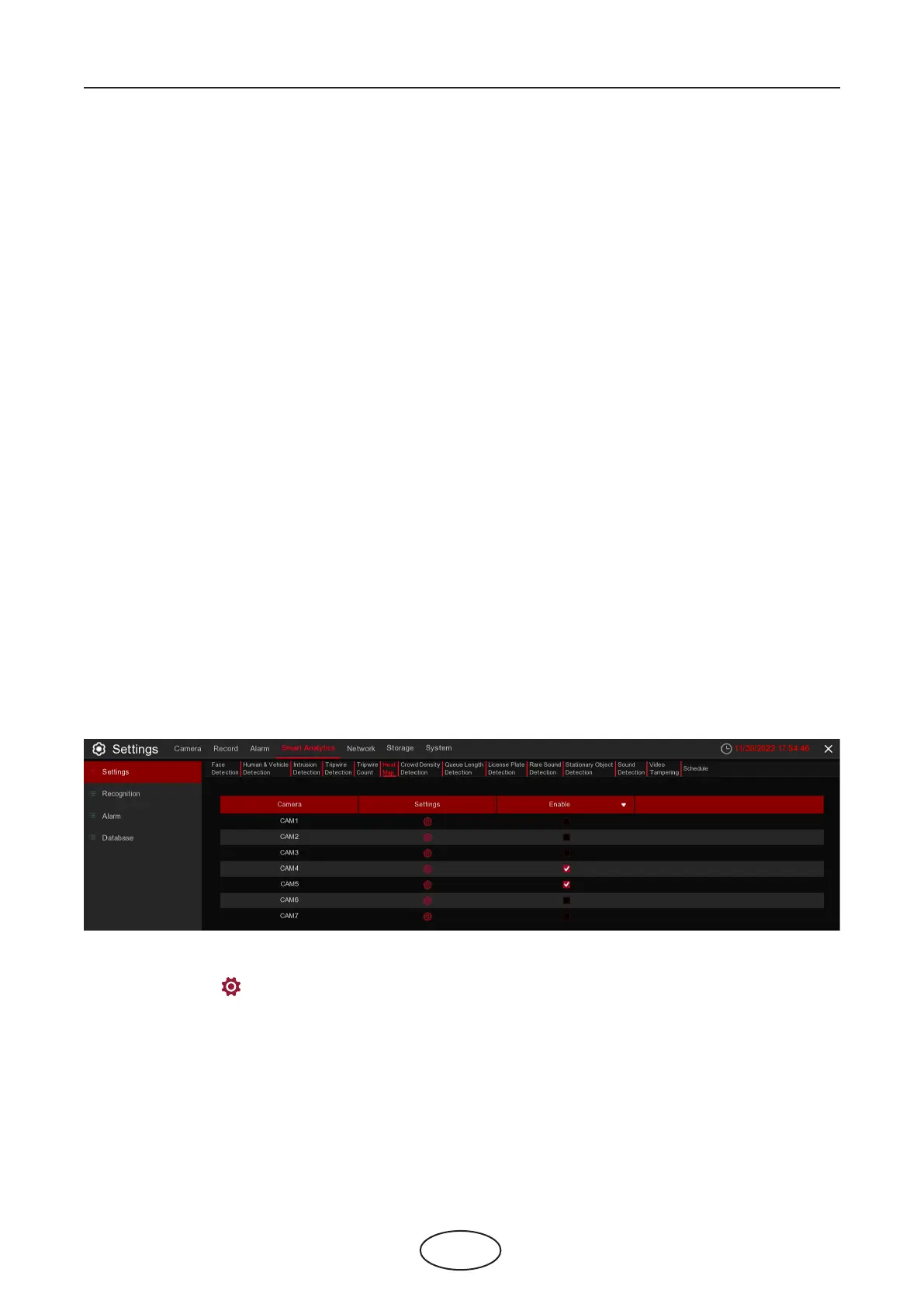
5.4.1.6 HM (Heat Map)
Automatically regular detect and count the movement of objects in the moni-
toring area. The frequency of people ows will be identied by dierent colors.
Enable: Check the box to enable TD function.
Click Settings icon to congure the detection conditions.
5 NVR System Setup



 To Next Page