21
Icon with green background color: camera is well-connected.
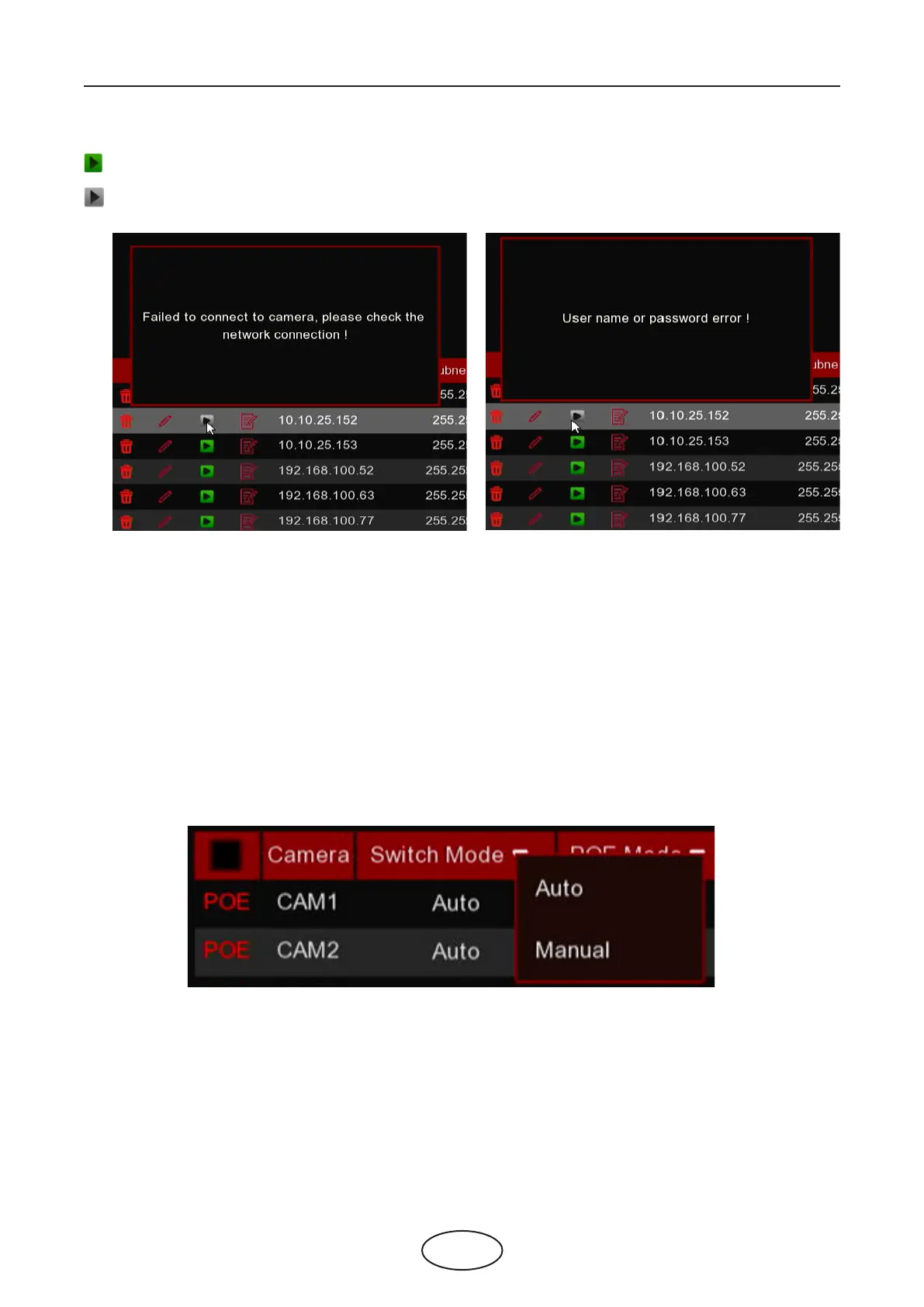
Icon with green grey color: failed to connect camera. Click the icon to show the failure reason.
5 NVR System Setup
If the failure reason is “User name or password error”, it means the camera user name and password is
dierent from the default user name and password.
If the failure reason is “Failed to connect to camera, please check the network connection”, it means the
network parameter might be incorrect or incompatible Onvif protocol.
5.1.1.2 Steps to Connect External Cameras in the LAN
If you want to connect to an IP camera from LAN, please make sure your NVR is well-connected to the LAN
and the IP camera you want to add is in the same network segment with your NVR.
If you want to all channels manually, click the drop-down arrow next to Switch Mode, and then select
“Manual”.



 To Next Page